by Stuart Deavall | How To & Tips | 0 comments
In the aftermath of COVID-19, the way we work has undergone a shift and companies are increasingly adopting hybrid or remote work styles. In fact, 18-20% of UK adults worked exclusively from home in 2023 and up to 40% reported some level of working from home so you may be looking for ways to organise your home office setup.
With more and more of us now working from home, creating an efficient office setup is key. Whether you’re running a business from home, or simply seeking a space to sort your paperwork, a dedicated workspace can be a game-changer for productivity and creativity.
A disorganised home office can create unnecessary stress and make it difficult to focus. In this blog we present our five tips to help organise your home office and transform a small space into a productive environment. From selecting the right furniture, to mastering your file organisation, we’ll guide you through creating a workspace that makes your WFH days a breeze.
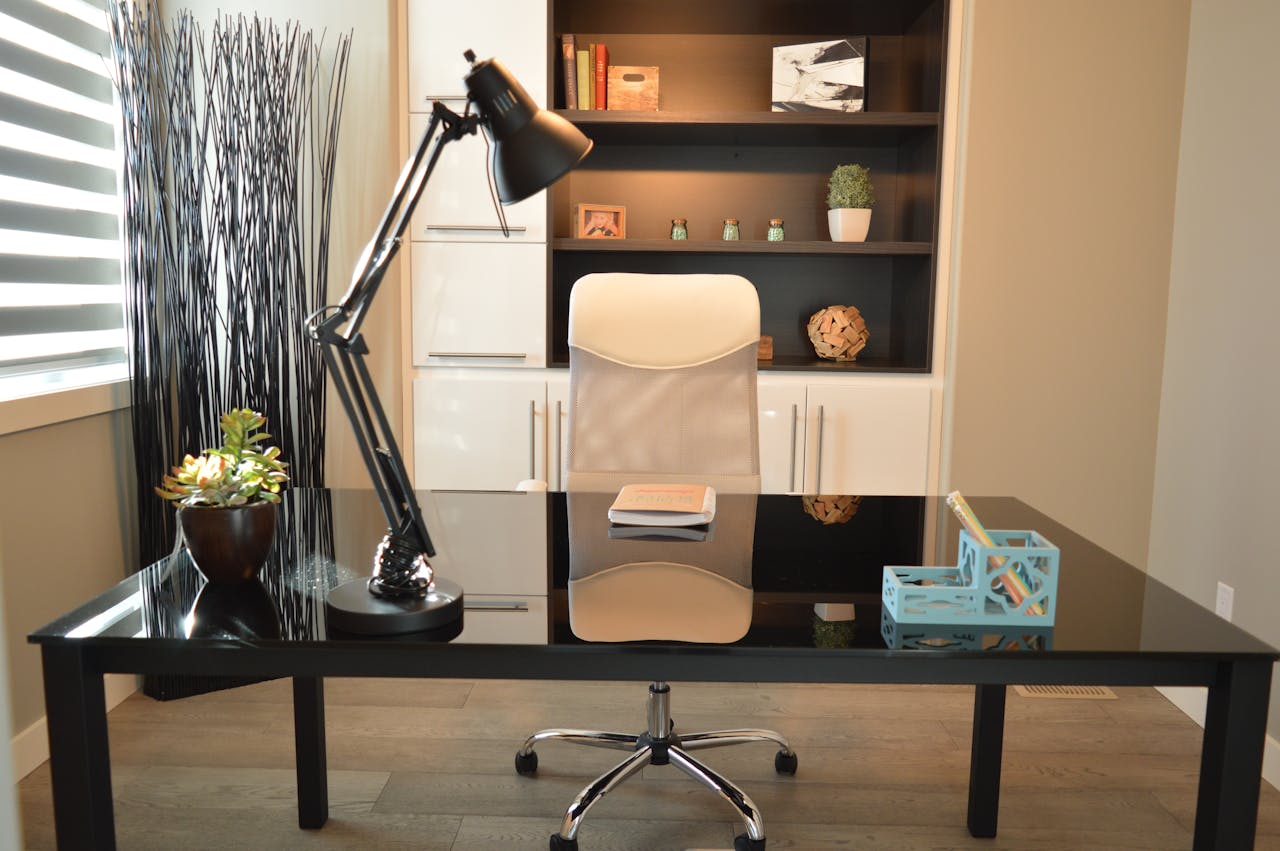
Having an organised workspace and minimising clutter will help you to focus in a home office environment. As they say, tidy house, tidy mind – you can’t expect to concentrate with a desk piled high with papers and unnecessary items.
Keep your desk as clear as possible, just stick to the essentials (laptop, printer, pens and paper etc). Keep items in small containers and use drawers and files to organise your belongings. Also, try to keep your cables organised – tangled wires can cause accidental disconnections or printing problems. Consider investing in cable organisers or wireless printing options to minimise cable clutter.
We’d also recommend getting into the habit of tidying up your desk at the beginning or end of every work day. This simple practice will help you maintain a clean workspace and avoid clutter build-up throughout the week.
There are a few ways you can utilise the wall space in your home office to create a motivating and organised space.
When working from home long-term, it’s important to make the right choices with your furniture.
Ensure your desk is at least 60cm deep and 100cm wide. This provides ample space for typing and having essential items like a printer and key documents within easy reach. If possible, connect your laptop to an external monitor positioned at eye level to reduce eye strain.
It’s also worth investing in an ergonomic chair with adjustable height functions. Choosing a chair with good back support not only keeps you comfortable through the working day, but is also important to help you maintain good posture.
A functioning printer is a valuable addition to any home office. Do some research to make sure you choose the right printer to meet your needs, you can also read our guide about the differences between inkjet and laser printers here to make sure you make the right choice for your needs.
Some printers are more suitable for home offices; an inkjet printer is likely your best bet for homes with lower printing volume. The HP Officejet Pro 9015 is an ideal choice for a home office printer; it’s got a streamlined appearance and can print a 10 page document in just 45 seconds. Equally, the Canon Pixma G3560 is a three-in-one printer created to cater for hybrid workers. It has everything you need for a home office printer at a great price point and ink costs are nice and low.
It’s also important to keep stocked up on ink and toner to avoid print emergencies. Keep a spare set of cartridges within reach in your home office, perhaps in a drawer in your desk.
Some jobs require a lot of printing and in this case, paperwork can quickly start piling up. Organise your sea of loose sheets with a filing system to ensure that important pages don’t get lost. Use a simple filing tray to keep important paperwork accessible and labelled boxes or folders to file as you go.
Printing your labels at home can save you time and money. Pre-cut label paper is the most efficient way to print. Choose a label roll or sheet based on your printer type then create your labels using a template in Word. Choose the ‘Normal’ print quality setting and ‘Labels’ for the paper type, if available.
By implementing these simple tips, you’ll be well on your way to a more efficient work environment. Here at TonerGiant, we offer a wide range of high-quality printer supplies, including ink cartridges , toner cartridges and paper products for all major printing brands. You can also shop a variety of printers .
Need some help picking out a printer or restocking your home office? Don’t hesitate to get in touch with our friendly customer service team today.
I have been working in the printing industry with TonerGiant for over 18 years, and I'm the resident technical printer expert, helping people fix their printer problems for over 16 years. I have taken part in many training courses with HP, Samsung, Brother, Canon and Xerox to further my knowledge, and I'm also the Digital Marketing Manager at TonerGiant.co.uk (degree qualified).
This site uses Akismet to reduce spam. Learn how your comment data is processed.