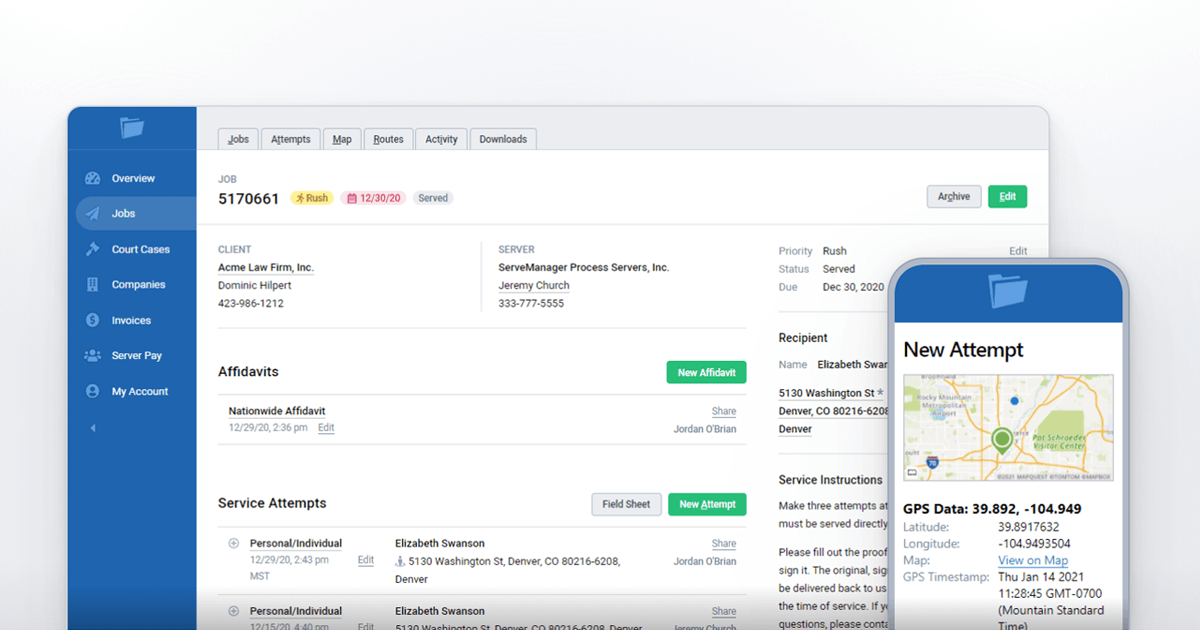
We've added new Sorting options to the Job Index so you can organize your Job List even further!
These new sorting options will help you format and arrange your jobs based on your preferred method. To start sorting, go to your Jobs Index . In the right corner above the list, you will see a new box for Sorting Options.
Select the Sorting option you would prefer. Clicking the option twice will reverse the sorting order (except for Default).
The System will remember the chosen sorting option if you move to a different section in ServeManager.
Please don't hesitate to Contact Us with any questions or concerns you may have.