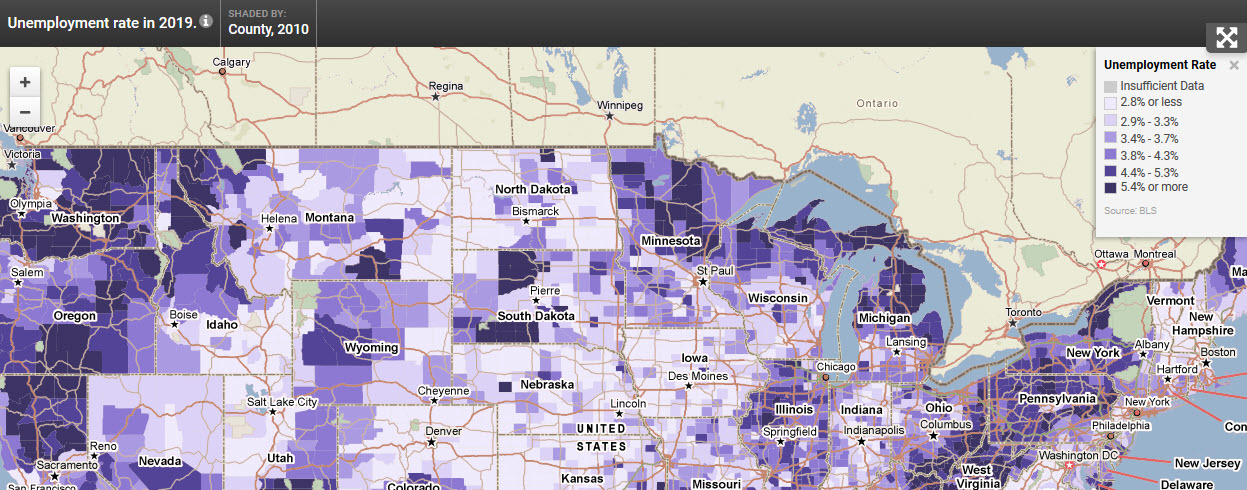
What is a widget? Widgets are customizable instances of PolicyMap maps with dynamic features such as the ability to zoom into or pan across a map, click on an area to view the underlying data or toggle between additional data layers and points of data.
Each widget is completely customized to our users’ needs. Users can decide the default location, type of datasets to display, and boundaries to overlay. Within the URL of the PolicyMap widget, there are commands which allow some basic customization of the widget, and outside the URL are customizations for the frame of the widget. Some of these customizations are only available if the widget was originally designed to have the feature.
What is an embed map? Embed Maps are similar to widgets but contain one data layer and point dataset and does not have a location search option. Embed Maps are available to all logged in users under the Share feature .
We will use the free Unemployment Widget offered by PolicyMap ( www.policymap.com/blog/?p=3395 ) to demonstrate the options to edit the widget.
<div style=”text-align:center”> <iframe src="https://www.policymap.com/widget?sid=28&wkey=87DE56DB6494C4F622DDB88F042B4DD9" width="100%" height="700" scrolling="no" marginwidth="0" marginheight="0" frameborder="0" name="PolicyMap"></iframe> <div style="font:13px arial,geneva,helvetica,sans-serif">Data mapped by <a style="text-decoration:underline" target="_blank" href="http://www.policymap.com">PolicyMap</a>, an online GIS mapping tool.</div></div>
Adding HTML within the <iframe …> </iframe> but outside the URL will customize the framework which contains the map (see highlighted area below). These customization are similar to HTML options.
Now adding HTML within the <iframe …> </iframe> to the URL (see highlighted area below) will customize the widget/embed map interface. Any customization in the URL is changing how the map looks and interacts.
Add these options with a value to the URL will further customize the widget
Using some of the above suggestions, users can make the unemployment widget look like so: <div style="text-align: center;"><iframe src="https://www.policymap.com/embedmap_dyn?lqid=497350&state=WA&nb=6&nomenus=true&rmp=olive" name="PolicyMap" width="100%" height="600px" frameborder="0" marginwidth="0" marginheight="0" scrolling="no"></iframe></div>
If you have questions about the widgets or want to learn more, please contact Phil Vu [email protected] or 215-574-5896).