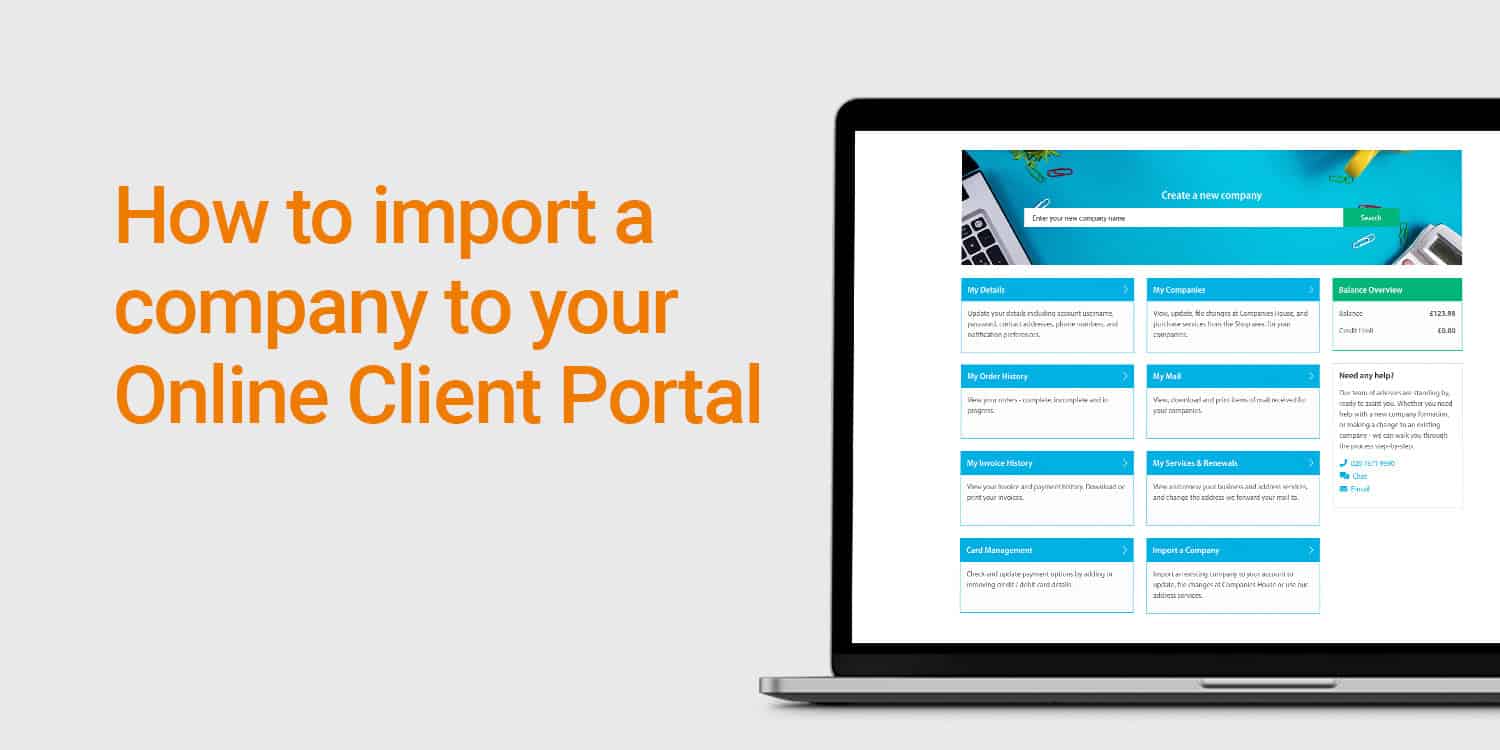
Not only is the Online Client Portal the place to manage your account with us, it’s also where you can take care of a number of admin tasks for your limited company. Through the portal, you can update your registered office, appoint and resign directors, change the accounting reference date, and much more.
Everyone who forms a company with us is given immediate – and free – access to the Online Client Portal, allowing them to manage their new company. However, you can also add existing companies to the portal, even if they were not formed by us (again, for free). In this post, we’ll show you just how easy it is to do this.
All you need to import a company is:
Once you have the necessary information:
1. Log in to your Online Client Portal with your username and password.
2. You will be taken to the ‘Dashboard’ areas. From here, click on the ‘Import a Company’ area.
3. Enter the company number and authentication code. Then click on the ‘Search’ button.
4. You will be presented with some information about the company, including its ‘Particulars’ (company name, number, authentication code, incorporation date, and company type) and the registered office address. Select the ‘Import’ button.
5. The company will be imported straight away and you will be directed to the ‘Company Overview’ page. From here you can take care of a number of filing tasks for your company (more on this below).
6. Now, whenever you log in, click on the ‘My Companies’ area on the dashboard to view the ‘Company Overview’ page.
Once a company has been added to the Online Client Portal, you will be able to:
What’s more, you can purchase extra Rapid Formations’ services for the company via the ‘Shop’ tab on the ‘Company Overview’ page. This includes all of our address services, VAT registration, confirmation statement filing, dormant company account filing, company name change, company dissolution, and more.
Plus, you can opt-in to various partner offers, including business bank accounts, card payment solutions and accounting software – all via the ‘Getting Started’ tab (again, from the ‘Company Overview’ page):
The Online Client Portal is a one-stop-shop for managing all of your limited companies – those that were formed with us…and those that were not.
As demonstrated, importing a company is remarkably simple, so what are you waiting for? Import all of your companies now!
We hope you have found this post helpful. Please leave a comment if you have any questions.