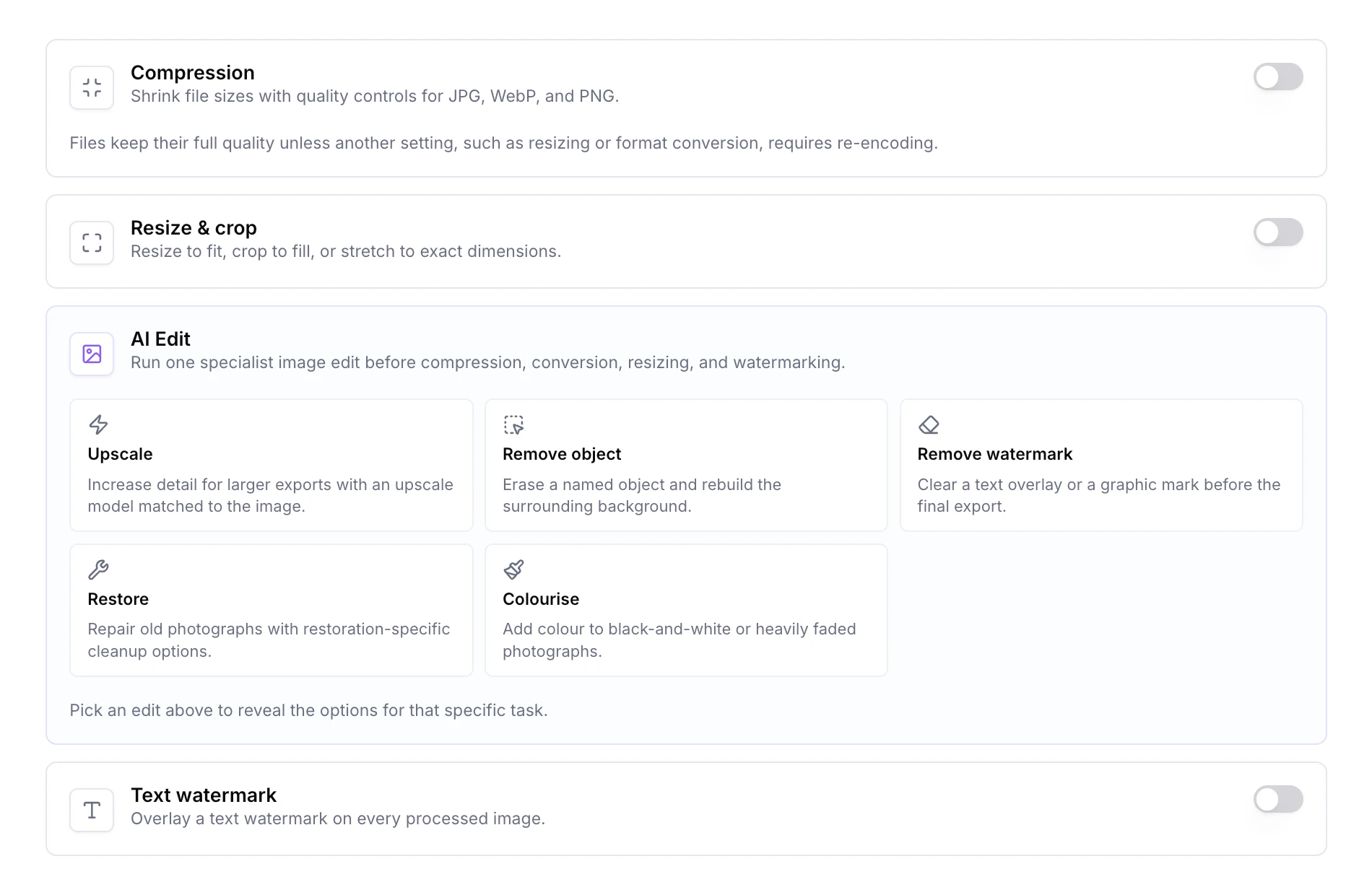
Image Optimiser started as bulk compression and format conversion. It now covers a full set of AI edits and more deterministic controls, all inside the same batch workflow you already use.
Alongside the AI lane, the batch flow now handles HEIC intake and conversion, resize modes with crop-to-fit, text watermarking, metadata stripping, and finer PNG compression levels. AI and deterministic steps stack, so you can upscale and then re-encode to WebP in a single batch without the upscale being shrunk back down.
Drop in up to 100 images, pick the settings you want, and download the lot as a ZIP. Image Optimiser is also exposed through MCP, so Supercomputer and any MCP-connected assistant can run a batch for you.
Start your free trial . No credit card required. Open Image Optimiser from your dashboard and try the new edits on a batch.