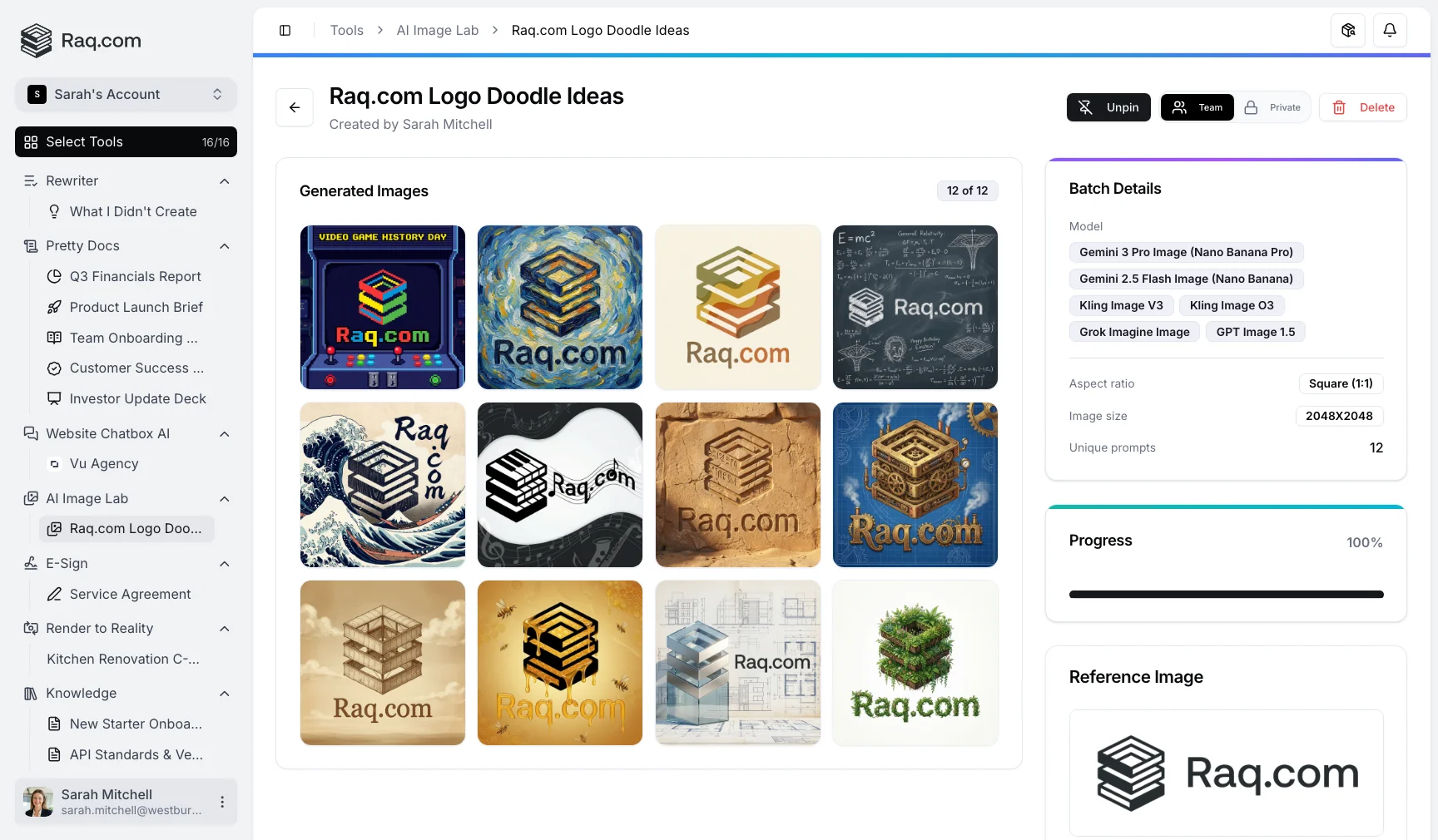
Write one instruction and AI Image Lab turns it into dozens of unique images. Pick from six AI models, run them side by side, and download every variation in a single batch.
Creating visual content at scale is slow. You write a prompt, wait for one image, tweak the wording, and wait again. Need 20 variations for a campaign? That is 20 separate round trips.
Need to compare how different models interpret the same brief? You end up with multiple tabs, multiple tools, and no easy way to see results together. AI Image Lab handles the entire workflow in one place.
Start with a single instruction describing what you want. AI Image Lab's prompt expander automatically generates up to 50 unique prompt variations from your brief, each with a different creative angle, style, or composition.
Next, choose which models to run. Six are available today: Gemini 3 Pro Image (Nano Banana Pro), Gemini 2.5 Flash Image (Nano Banana), Kling V3, Kling O3, Grok Imagine, and GPT Image 1.5. Select one or run all six simultaneously to compare how each interprets the same prompt.
Every prompt variation runs across your selected models, so a single instruction can produce hundreds of images. Results appear in a live gallery as they complete. No refreshing, no waiting for emails.
AI Image Lab is included in your Raq.com subscription. You see the estimated cost before you generate.
Start your free trial . No credit card required. Open AI Image Lab from your dashboard, type your first instruction, and let the prompt expander do the rest.