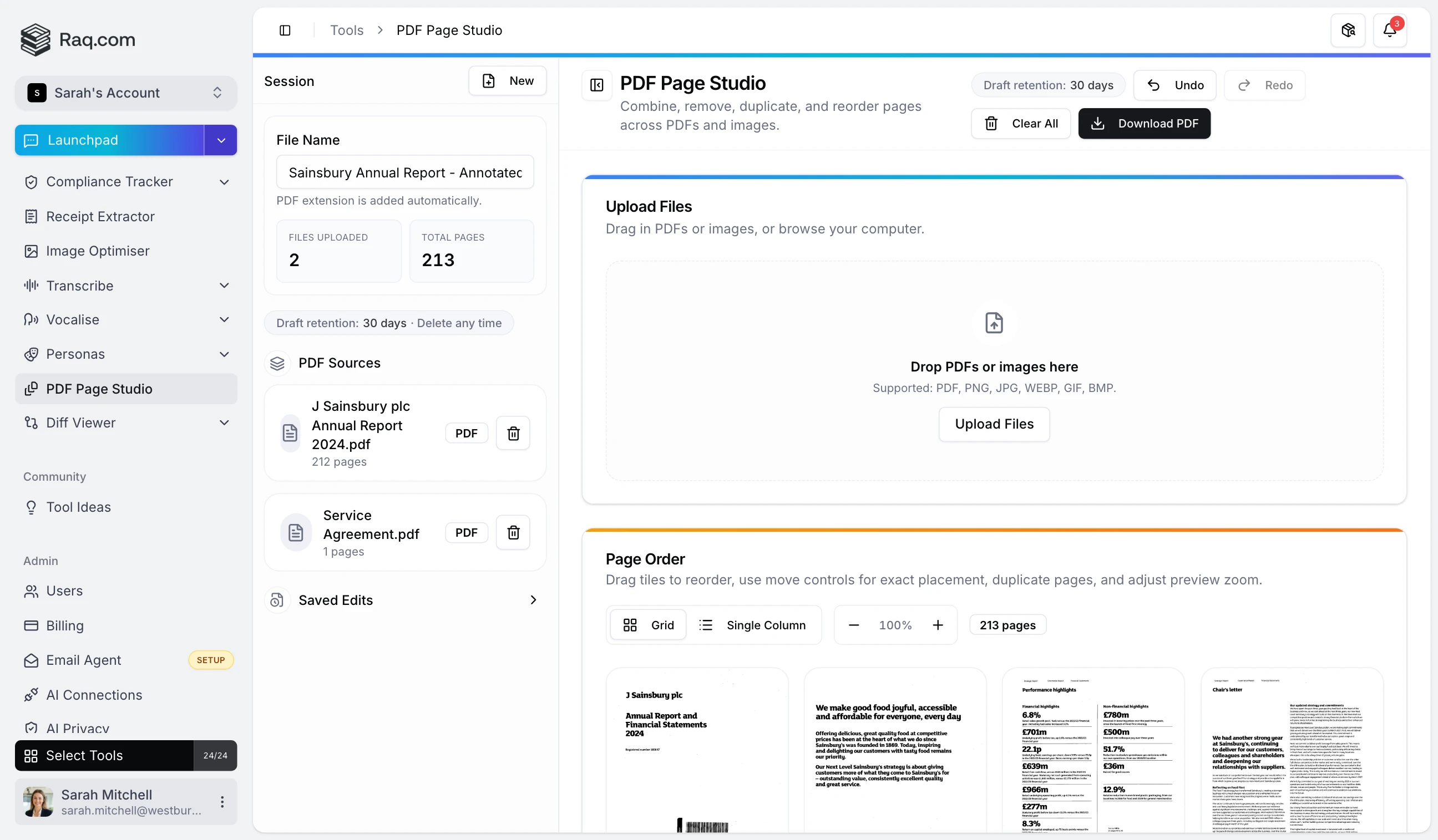
Working with PDFs usually means juggling multiple files, paying for desktop software, or uploading sensitive documents to unknown services. PDF Page Studio gives you a visual editor that runs entirely in your browser.
Drop one or more PDFs (or images) onto the canvas. Every page appears as a draggable thumbnail. Rearrange, duplicate, or remove pages, then hit Download PDF to get a clean combined file.
Open any page in the annotation editor. Add text, draw shapes, place signatures, or overlay images. Adjust colours, opacity, and stroke width. Every annotation is rendered into the final PDF.
Undo and redo are always available. Your session is saved automatically. Close the tab, come back later, and pick up where you left off. Drafts are retained for 30 days.
Every operation happens inside your browser. Your files are never uploaded to a server.
PDF Page Studio is included in your Raq.com subscription. Start your free trial . No credit card required.