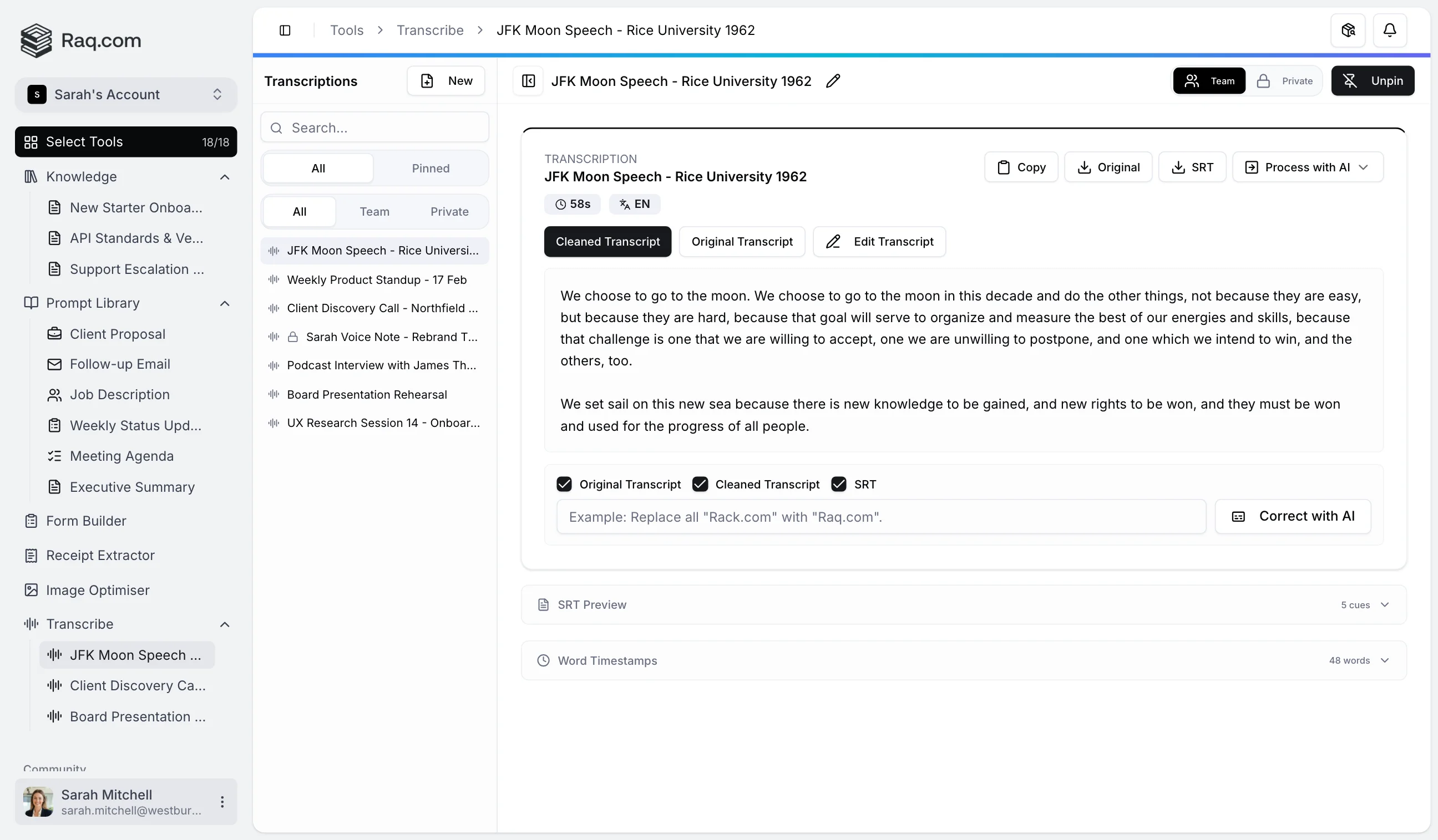
Transcribe turns audio and video recordings into searchable, timestamped text. Upload a file, get a full transcript in minutes, and refine it with AI.
Drop an audio or video file into the upload area and Transcribe handles the rest. It supports all common formats: MP3, WAV, M4A, OGG, FLAC, MP4, MOV, and WebM.
Raw transcriptions are messy. They include filler words, broken punctuation, and formatting quirks that make them hard to read. Transcribe automatically runs a refinement pass when your transcript completes, cleaning up the text while preserving the original meaning.
You always keep both versions: the original, unmodified transcript and the cleaned version. Switch between them with a single click.
Sometimes a transcript needs specific fixes. Names get misspelled, technical terms are misheard, and brand names come through garbled. Instead of hunting through the text line by line, type a correction instruction and let the AI apply it across the entire transcript.
For example: "Replace all instances of 'Rack dot com' with 'Raq.com'" or "Fix the spelling of 'Kubernetes' throughout." You choose which versions to correct: the original, the cleaned transcript, or the subtitle file, or all three at once.
Transcribe generates SRT subtitle files automatically from the word timestamps, ready to use with any video player or editor. You can also:
Transcribe is included in your Raq.com subscription.
Start your free trial . No credit card required. Open Transcribe from your dashboard and drop in your first recording.