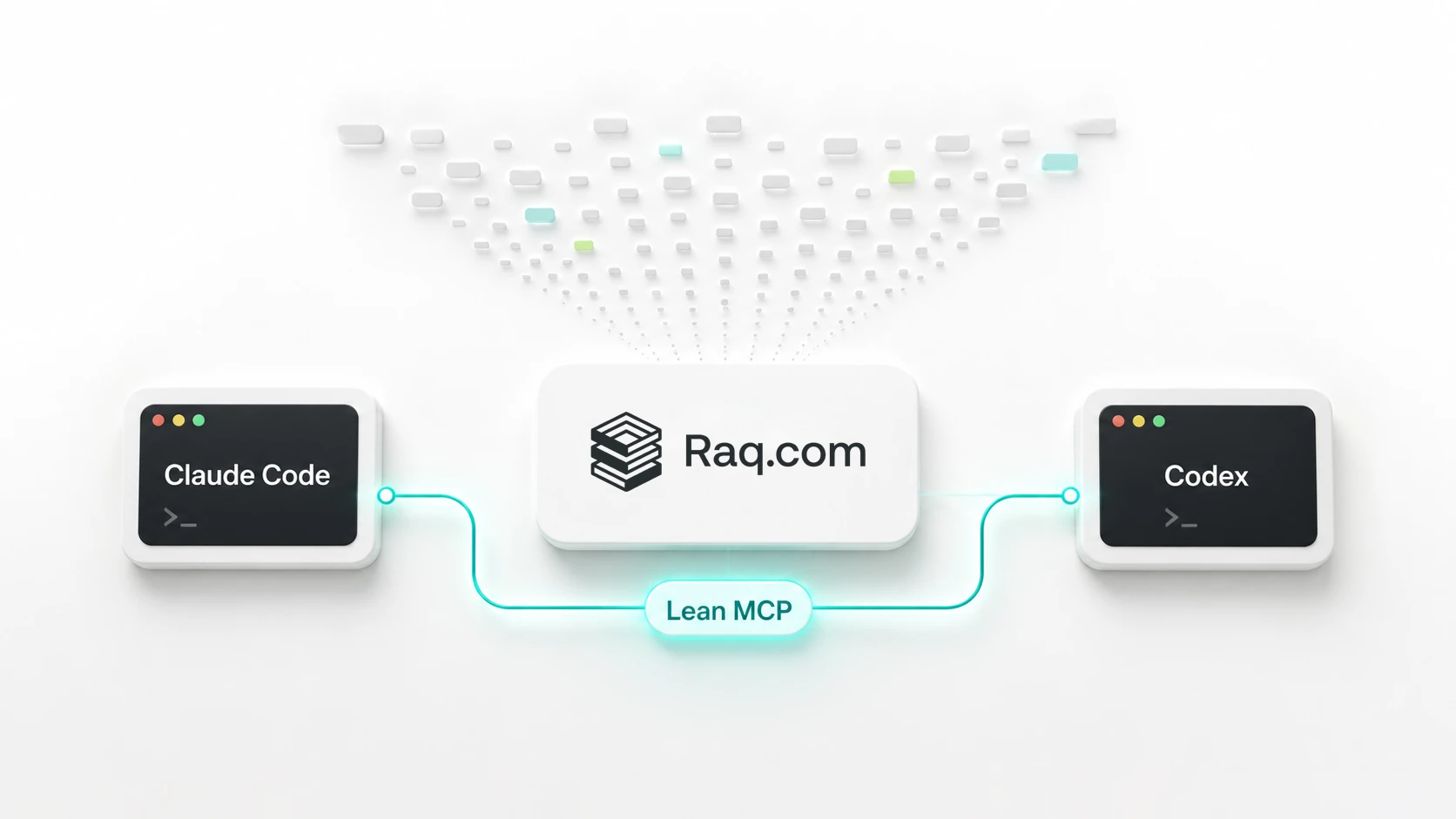
Raq.com now has a lean MCP endpoint built for coding agents and long-running assistants. Claude Code, Codex, and any MCP-compatible client can connect without loading the full tool catalogue into context up front.
Raq.com exposes tools across modules like Task Board, CRM, Page Watch, Secure Send, and Automations. The full MCP tool list grows with the platform.
Lean MCP changes that starting point. Instead of advertising every tool, the agent sees a compact gateway: list enabled modules, search for a tool, fetch one schema, then call it.
The endpoint matches the way agents like to work. When the assistant knows the tool name, it calls directly. When it knows the job, it searches, inspects one schema, then makes a targeted call.
Claude Code and Codex work best with a precise tool surface. A focused set of schemas keeps the prompt clear when finding one board, one page monitor, or one secure link.
With Lean MCP, they discover the Raq.com workspace like a person would: see which modules are enabled, search for the action, check the arguments, then make the smallest useful call.
Workspace tools can return rich, nested data: boards, lists, cards, notes, attachments, history. Lean MCP keeps that flow smooth.
For broad calls, the endpoint guides the agent to narrow first. For larger results, the response returns suggested next calls, filters, limits, and summary options to keep the conversation focused.
Existing connections continue to work. The full endpoint stays available for clients that want the complete catalogue up front. For Claude Code, Codex, and other agent-style clients, use the lean endpoint.
You can keep the old connection in place. Keep the full endpoint where it is useful, and add the lean endpoint for agent clients where context size and fast discovery matter.
Use Lean MCP for coding agents, long-running assistants, and workflows where the model should choose tools progressively. Use the full MCP endpoint when a client wants every available tool loaded at connection time.
If you are creating custom keys for specific agents and picking exactly which tools each agent can use, the full endpoint is usually the better fit. The tool list is already small, so handing the client the approved tools up front is clear and efficient.
Both endpoints reach the same Raq.com modules. The difference is how much the assistant needs to know before it starts working.
Open AI Connections, pick Agent Lean, and connect Claude Code, Codex, or another MCP-compatible assistant. The assistant gets a cleaner start, and your Raq.com tools stay available without turning the catalogue into the conversation.