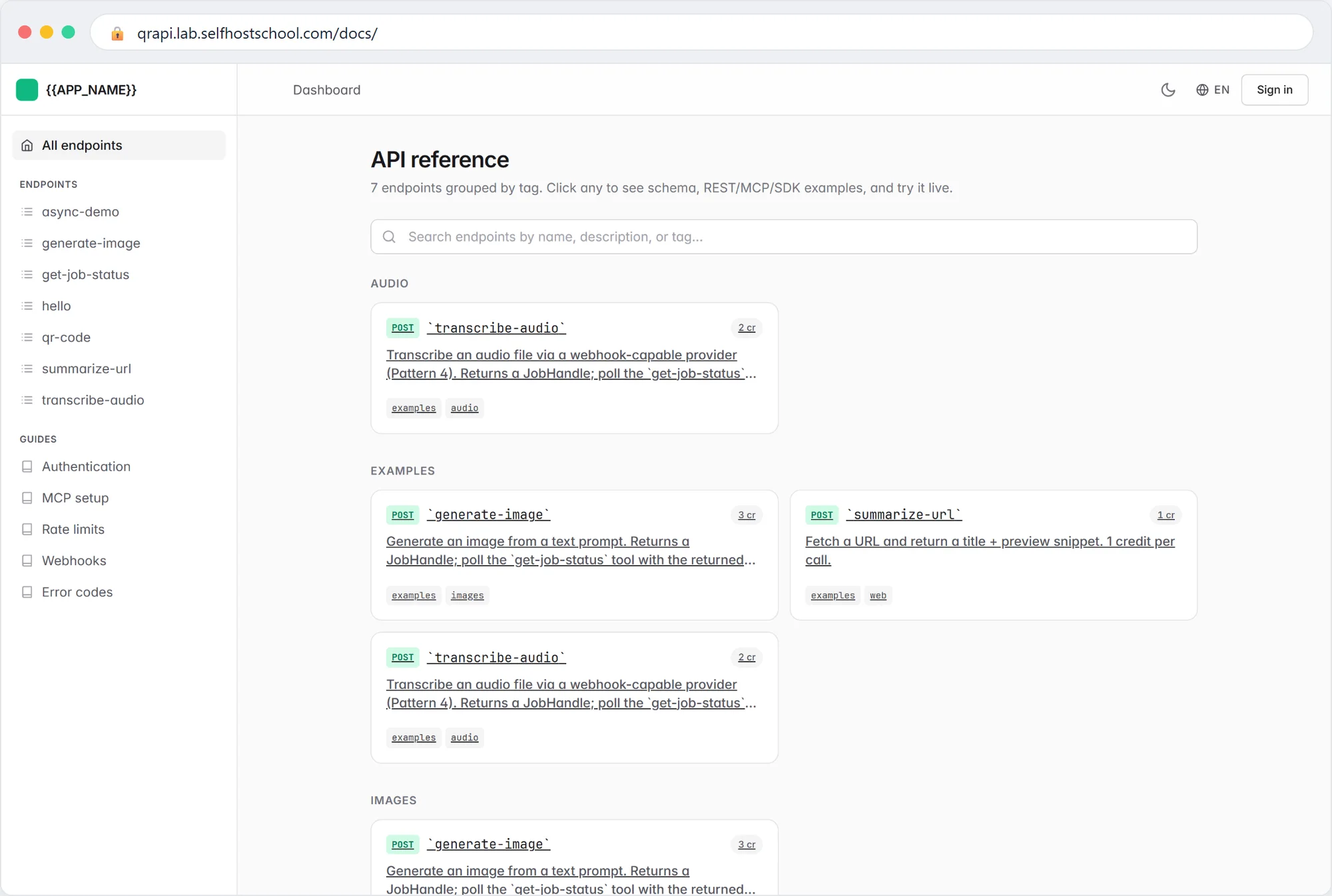
We deployed this exact walkthrough to a fresh $6 DigitalOcean droplet while writing it, and every command below is from that run. At the end your product is at https://your-domain , callable by Claude.ai, with real TLS.
If you prefer one-click platforms, the repo ships ready configs for Railway, Fly.io, and Render ( railway.toml , fly.toml , render.yaml ) and docs/DEPLOYMENT.md covers them. Below is the VPS path: cheapest, and you own everything.
At your DNS provider, create an A record : api.yourdomain.com → your server's IP. TTL 60. Do this first; it propagates while you work.
SSH in as root and run:
(Private repo? Create a fine-grained personal access token on GitHub with read access to just this repo, and use it as the password when git asks.)
Open .env ( nano .env ) and set these, generating real secrets:
The boilerplate refuses to boot in production with placeholder secrets, a default admin path, or a localhost OAuth issuer. That's a feature: it's protecting you from the classic first-deploy mistakes.
One line in docker-compose.yml : change "${WEB_PORT:-8000}:8000" to "127.0.0.1:${WEB_PORT:-8000}:8000" . Only Caddy (next step) will talk to the app; the outside world only ever sees HTTPS.
The stack migrates the database itself on boot. Give the first build a few minutes on a small server.
Caddy fetches and renews the Let's Encrypt certificate automatically. First issuance takes under a minute once DNS has propagated.
From your OWN computer (not the server):
Our run answered {"greeting": "Hi, internet"} over real TLS. Then open https://api.yourdomain.com/docs/ in a browser, and seed your first data ( docker compose exec web python manage.py seed_demo ).
Your MCP address is now https://api.yourdomain.com/mcp/ : paste it into Claude.ai's connector settings and the OAuth connect flow works, because OAUTH_ISSUER finally points at a real https origin.
Back up before you have users
bin/backup-postgres.sh plus a cron line = daily dumps, 30-day rotation. It's 5 minutes now or a very bad day later. docs/DEPLOYMENT.md §Backup has the exact crontab.
One box like this carries a real product a long way (ToolerBox started exactly like this). When you need more, docs/SCALING.md and docs/DEPLOYMENT.md cover worker sizing, PgBouncer, and read replicas.
Last stop: Where to Go Next .