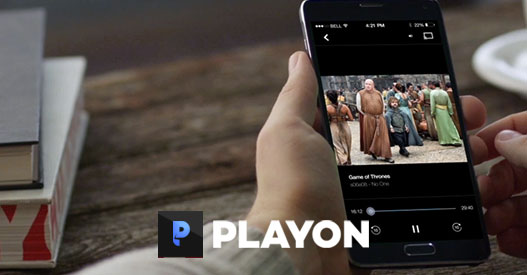
Combine the PlayOn Streaming DVR with your Roku and get the fully-featured streaming experience you've come to expect at a fraction of the price of cable or satellite. PlayOn lets you record shows and skip over the commercials just like with a cable DVR. Record expiring titles and watch them even after they're no longer available online, or take your streaming recordings with you on your laptop, tablet, or smartphone when you're on the go. PlayOn does all of that for you!
The All-In-One Media Server
With PlayOn Home on your PC, a Roku, and the PlayOn Cloud App on your phone, you've got a powerful streaming media system. With a PlayOn Home plan you can cast your personal videos, photos and music to your PC. Or, record streaming videos and watch them on your Roku without the ads.
Record streaming shows and movies from over 20 channels. Initiate recordings on the Roku or from your PC.
Set up a 'subscription' to your favorite shows and PlayOn Home will automatically record new episodes as they become available.
Watch recordings on your Roku and automatically skip over any commercials.
Record and watch shows after they have expired from Netflix, Hulu, and more.
Cast streaming videos to your Roku from your desktop PC, tablet, or phone.
Watch any of your personal videos or photos on your Roku.
How to Record and Watch PlayOn Recordings on Your Roku
That’s it. You'll be able to watch your recordings from Netflix, Hulu, HBO Max, Disney+, The CW and more. When you cast your recordings, just select "Yes" for AdSkip and watch network TV recordings commercial-free.
© 2026 MediaMall Technologies, Inc. | License Agreement | Privacy Policy
The use of third-party trademarks on this site is intended to imply neither any endorsement by nor any affiliation with the respective trademark owners.