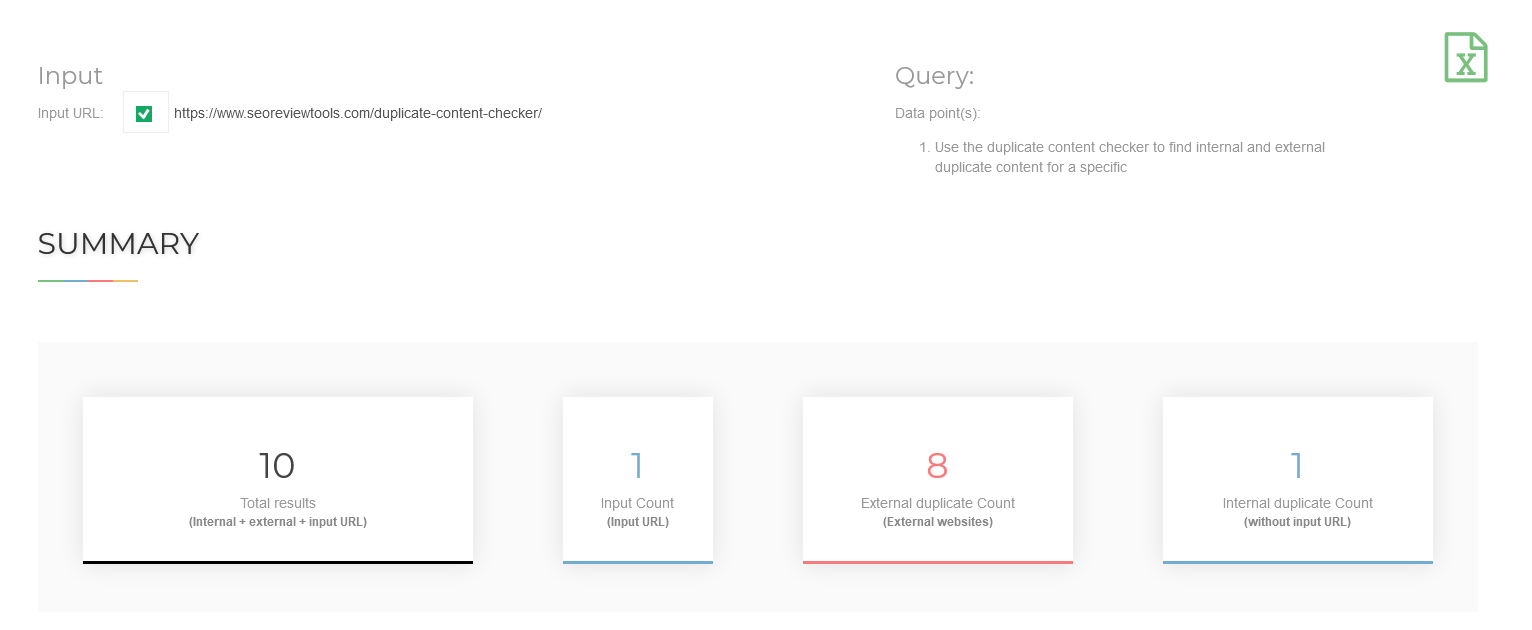
Use the duplicate content checker to find internal and external duplicate content for a specific webpage. Duplicate content is an important SEO issue, because search engines try to filter out as much duplicates as possible, to offer the best search experience. This tool is able to detect two types of (text based) duplicate content.
Tip: Need to check duplicate content for more websites on a daily basis? Try the API →
As mentioned above search engines don’t like duplicate content / plagiarism because users aren’t interested in looking at a search results page containing multiple URL’s, all containing more or less the same content. To prevent this from happening, search engines try to determine the original source, so they can show this URL for a relevant search query and filter out all the duplicates. As we know search engines do a pretty good job at filtering duplicates, but it is still pretty difficult to determine the original webpage. It can happen, when the same block of text appears on multiple websites, the algorithm will decide the page with the highest authority / highest trust will be shown in search results even though this isn’t the original source. In the case Google detects duplicate content with the intent to manipulate rankings or deceive users, Google will make ranking adjustments ( Panda filter ) or the site will be removed entirely from the Google index and search results.
Internal duplicates In most cases you’ll start solving internal duplicate issues. Because these problems exist in your own controlled environment (your website). Different methods can be used to remove internal duplicates, depending on the nature of the problem. Some examples:
External duplicates External duplicates can be a whole nother story , because you can’t just make adjustments to your own site and solve the problem. Some examples how you can remove external duplicates: