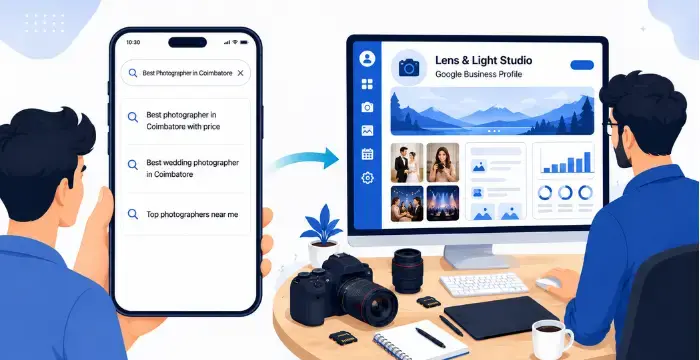
If you're a photographer, your next client is probably searching "photographer near me" or "wedding photographer in [city]" on Google right now. A Google Business Profile is what makes you show up in that search, for free. Here's exactly how to set one up, step by step.
Visit google.com/business and click "Manage now." Sign in with the Google account you want to use for your business (create a separate one if you don't want to mix it with your personal account).
Use your actual studio or brand name, not a generic term. Example: "Lens & Light Studio," not just "Photographer." This is what clients will search for and see on Maps.
Pick the most accurate category first: "Photographer," "Wedding Photographer," or "Portrait Photographer." You can add more categories later, but your primary category carries the most weight for local search.
Add your phone number and website link. If most of your enquiries come through WhatsApp, make sure that number is easy to find, either as your primary contact or clearly mentioned in your business description.
Google needs to confirm you're a real business before your profile goes live. Depending on your account, you'll verify by:
Don't skip this: an unverified profile won't show up properly in search or Maps.
This is where most photographers stop too early, and it costs them visibility. Fill in:
Go to your profile, click "Ask for reviews," and copy the link. Send it to happy clients right after their event; timing matters, since this is when they're most likely to leave a genuine, detailed review. More reviews (and replying to them) build trust and push you higher in local search.
Treat your profile like a mini social feed. Post recent work, offers, or festive season availability using the "Add update" option. Profiles that stay active tend to rank better than ones that are set up once and forgotten.
Setting this up properly, and keeping it updated every month with new photos, reviews and posts, takes ongoing effort most photographers don't have time for between shoots. If you'd rather have it handled for you, Photomall's Google Business Profile setup and management service sets it up, verifies it and keeps it active so you can focus on shooting, not on admin.