All AXS components connect and communicate wirelessly with the main goal of executing fast and responsive shifts for you. On the rare occasion a shift command goes undetected or rejected by your derailleur, don’t panic. We’ve got a handful of simple steps you can run through to get your AXS system shifting as it should.
AXS derailleurs are powered by AXS batteries, which need to be charged every 20-60 ride hours depending on component type. To check AXS battery status, press the AXS button on your derailleur and look at the LED next to it. The LED will illuminate to indicate the following:
HOW TO: CHARGE AXS BATTERY
Whether your AXS bike is drop bar or flat bar, each shifter or controller on your bike is powered by a CR2032 coin cell battery. These easily replaceable watch batteries typically last 1-2 years for most riders. Locate the AXS button and its corresponding LED on each shifter or controller and press it to check battery status:
No light when you press the controller AXS button? It's time to swap the CR2032 battery. Be sure to select a new battery without a bitter child-safe coating, which can cause interference between the battery and terminal. View your drivetrain manual for installation instructions:
TRANSMISSION MANUAL ROAD MANUAL EAGLE AXS MANUAL
The pairing process allows AXS components to communicate effectively to actuate your commands. When a derailleur and shifter are properly paired, a shift will occur when you press the shifter paddle. If all your components have battery life but shifts still won’t work, try re-pairing your AXS system. Keep in mind that pairing must be repeated if any components are replaced, added, or removed. For example, if you add an AXS dropper post or Wireless Blips to your bike, you must re-pair the entire system together.
TECH TIP: To conserve battery life, your AXS system will go into sleep mode after about 30 seconds of non-movement and won't shift while sleeping. Turn the crankset one revolution or shake your bike to wake it.
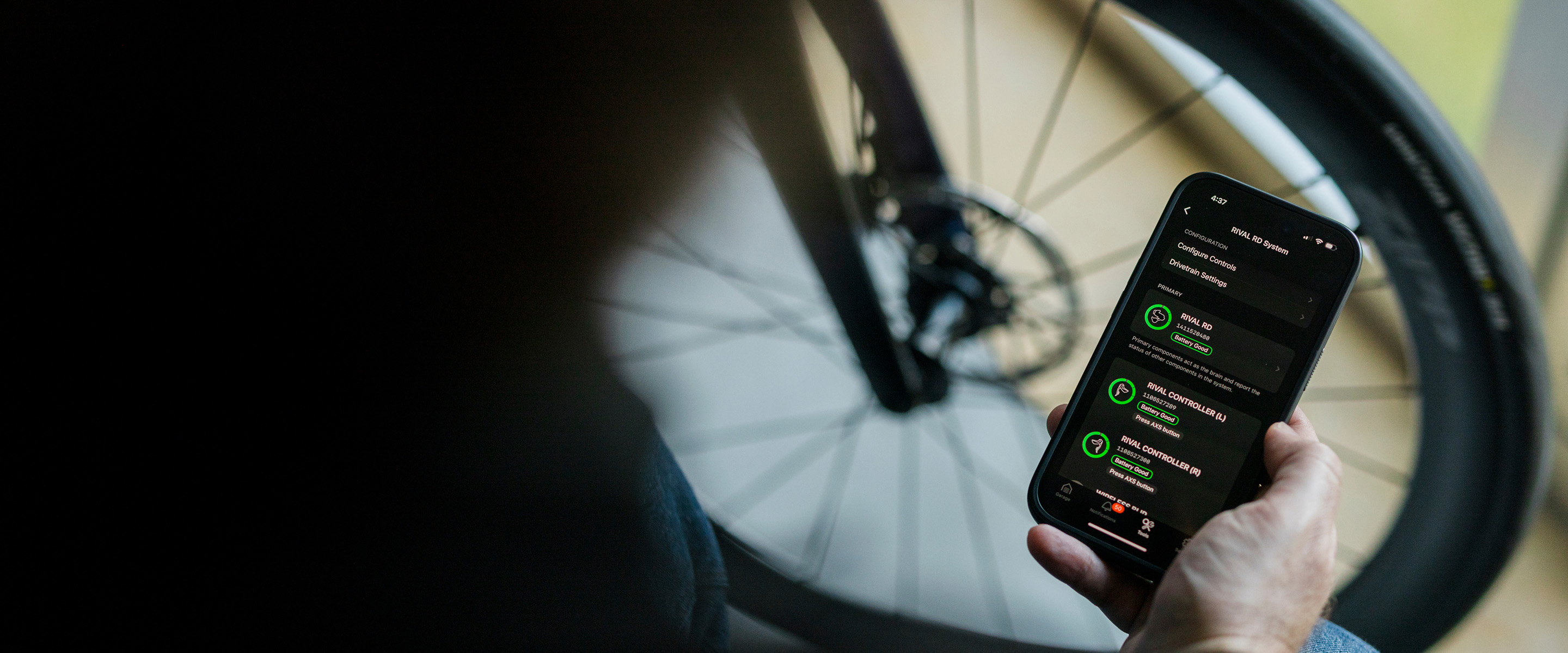
Always make sure you’re using the latest version of the SRAM AXS app before performing any firmware updates on your AXS components. Check each individual component for available firmware updates and perform them via the app if prompted. Once all components have the latest firmware, re-test your AXS system to see if your bike is shifting normally again.
DOWNLOAD THE AXS APP HOW TO UPDATE FIRMWARE
Is the LED on your rear derailleur blinking red and green when you try to shift? This light sequence indicates that a shift has been rejected to protect your derailleur from potential damage. When temperatures become too extreme, your derailleur may refuse to respond to your shift commands. For optimal performance, ensure your AXS batteries are stored and used in their preferred conditions:
Still no shifting? Try a reboot on your rear derailleur:
We’re here to help if these steps were not successful in getting your AXS bike shifting again. Reach out to our global Rider Support team with further questions or visit your local SRAM dealer or point of purchase for warranty assistance.
CONTACT RIDER SUPPORT READ WARRANTY POLICY