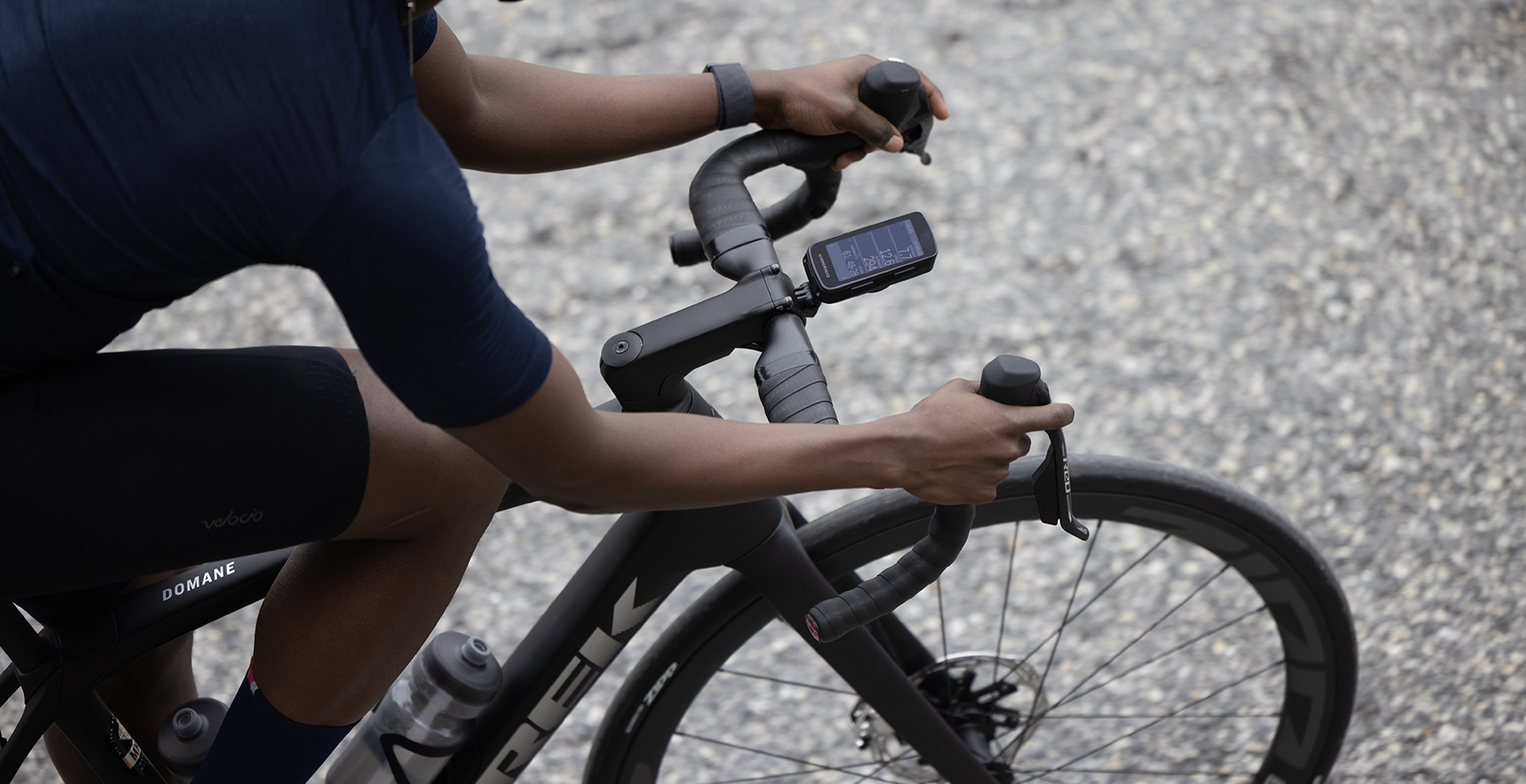
How to connect SRAM AXS to your bike computer
Maximize your AXS drivetrain by connecting it to your ANT+ bike computer. Your AXS components will appear as sensors on your compatible bike computer and transmit real-time ride information right to your device. Once connected, your drivetrain and bike computer will work together to display and record gearing and power data, component battery status, and more. Find your device below to get started.
Access the full SRAM AXS experience on Hammerhead Karoo with quick and easy single sign on, automatic sensor pairing, advanced battery management, and the most intuitive controller programming on the market.
The new Karoo was designed with AXS in mind, so your AXS system will connect to your Karoo automatically as sensors to record and display your shift data and component battery status. Just connect your SRAM account with your Hammerhead account , or sign in with your SRAM account :
For previous generations of Karoo computers, you'll manually pair your AXS system as a sensor through the following process:
VIEW FULL PAIRING STEPS
After connecting your AXS drivetrain, you can configure your gearing to see your recorded shift data with specific tooth counts instead of just gear indices. You'll enter the number of teeth on your chainring(s) first. For your cassette, enter the teeth on your largest and smallest cogs. Karoo will fill in the rest of the cassette for you.
VIEW FULL GEARING CONFIGURATION STEPS
If you pair the Karoo to a SRAM RED AXS system, you can customize and map the Bonus Buttons on your shifters for various functions, including swiping between data pages. Short Press and Long Press of each button can be programmed to perform more than a dozen commands, such as zooming in on your map, skipping an interval, or dropping a pin. Many of these actions are also possible with Wireless Blips and MultiClics .
VIEW FULL STEPS FROM HAMMERHEAD
FIND YOUR GARMIN MANUAL
If you have a Garmin Edge 540/840/1040 or newer, you'll be able to control your device with ANT+ AXS controllers, such as Bonus Buttons on RED AXS shifters, Wireless Blips, and MultiClics.
VIEW FULL COMPUTER CONTROL STEPS
All ELEMNT GPS computers (ELEMNT, BOLT v1, BOLT v2, ROAM v2, ROAM v2) allow for computer button control from Bonus Buttons on RED AXS shifters, Wireless Blips, and MultiClics.
SRAM AXS components broadcast their battery status and shift data via ANT+. If you have a bike computer not listed above that can receive those signals, it may be compatible with your AXS components. Please reach out to the computer manufacturer for any compatibility or pairing questions related to models not listed above, as features and integration may vary from brand to brand and model to model.
Want to receive ride reports with all power and cadence charts, ride stats, and gearing data? AXS Web provides all that and more by collecting and displaying the ride data uploaded through your bike computer. Once you sync your device's account with AXS Web, you’ll be able to dive into a great deal of data, such as how much time you spend in each gear and power zone. Get connected and get all the data you could ever want.