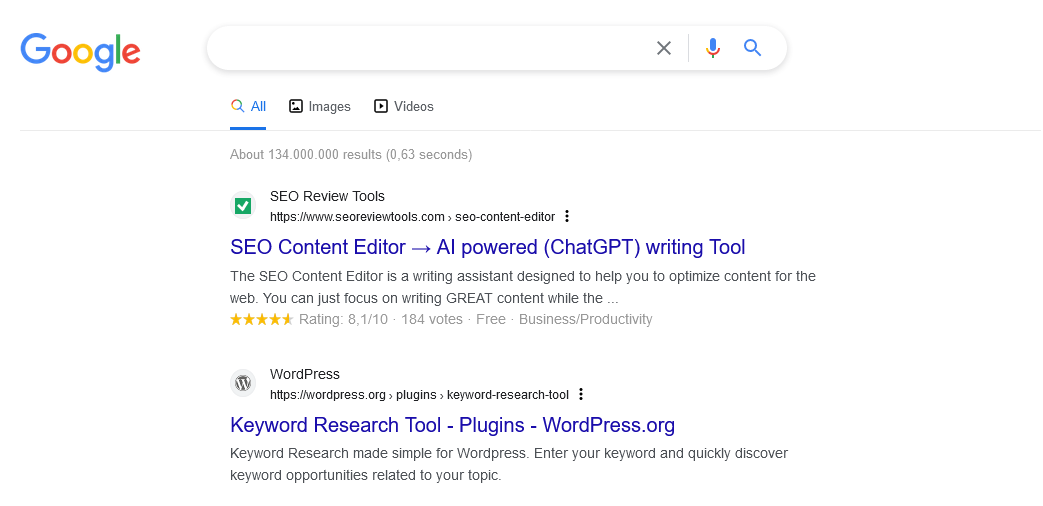
Updates : The SERP preview tool has been updated to include editable features such as AI-generated overviews (SGE), “People Also Ask” and “People Also Search For” sections. Additionally, the mobile presentation has been updated to align with Google’s latest interface changes ↴ .
Interested to see how you can get more visitors from search? Use the Google SERP preview tool to optimize your search snippets for both mobile and desktop. With the help of this tool you can quickly write optimized Titles and Descriptions for new content or improve content that has already been published. Write your snippet, test and generate a pretty accurate indication of how your content will look in search.
It’s important to know how your website looks in search to understand and predict how visitors will interact with your content. Make sure the your snippets (Meta description + Title) are page specific, unique and relevant. This will improve the chance that search engines will use your description instead of showing an automated description extracted from the page content. A well written snippet can help convince users to click on your search result and discover your content.
TIP: discover more about these specific topics Title tag and Meta Description optimization for search
A search snippet that refers to a specific webpage most commonly consist out of a URL, Title and Meta description. Search engines use snippets to help users select the most relevant search result to answer their query. Depending on the device (mobile or desktop) and query the length and visual presentation can vary. Search snippets can be extended in multiple ways, for example by implementing structured data and by writing content that is suitable for featured snippets. When there is no description or not a relevant description available, search engines will use an automated extract from the page itself.
Google offers multiple methods to adjust how your page appears in Google search. Here are some examples to help you to gain control over how your pages visually appear in search.
To prevent certain parts of your page to be used for the snippet you can used the “data-nosnippet” attribute which can added to a div, span or section.