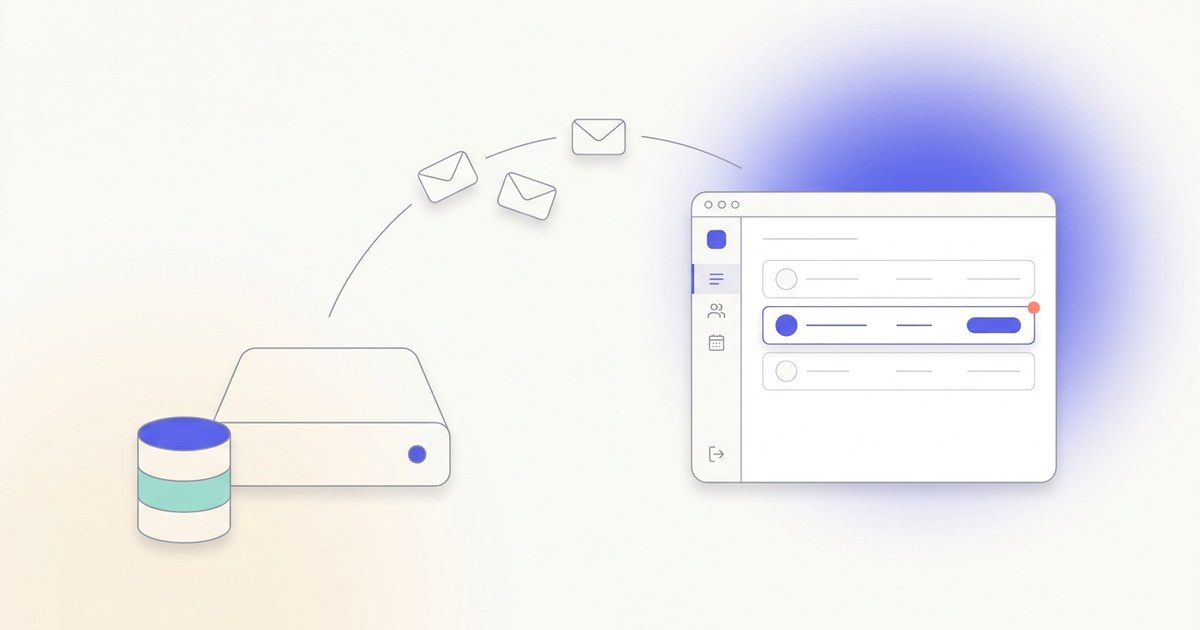
Yes, you can install Mautic 7 on Coolify, but only with a custom docker-compose.yml . Coolify disabled its one-click Mautic service in early 2026 because Mautic 7 dropped the bundled AMQP/RabbitMQ queue transport, breaking the Coolify template. The setup below uses three Mautic containers plus MariaDB and the Doctrine database queue instead. Real setup time: about 5 minutes, plus 2–3 minutes for the first boot.
Most "install Mautic on Coolify" tutorials online are outdated. They reference Mautic 4 or 5, point to a one-click button that doesn't exist anymore, or skip the parts that actually break.
Here's what happened. Coolify used to ship Mautic as a one-click service. Then Mautic 7 stopped bundling the AMQP queue transport by default (the symfony/amqp-messenger package was dropped from the image), and the Coolify template, which leaned on RabbitMQ for the async queue, broke. So Coolify disabled the service in early 2026 (see coollabsio/coolify#8088 ).
This is actually good news. The working path is a custom Docker Compose deploy that uses Doctrine (your MariaDB database) as the async queue instead of RabbitMQ. No extra services. Three Mautic containers, one MariaDB database, done.
I run this exact setup on my own server. Here's how to do the same.
If you don't have Coolify set up yet, start with my Coolify install guide first, then come back here. The rest of this post assumes Coolify is up.
Your Mautic domain (optional)
Drop in the domain or subdomain you'll use for Mautic. We'll plug it into every copyable block on this page so you can paste with no edits. Values stay in your browser only.
Values stay in your browser only. Nothing leaves this page.
This is the part every other tutorial skips. If you don't understand the architecture, the cron problems and worker problems people complain about will hit you next.
Mautic 5, 6, and 7 all run as three separate roles, all using the same Docker image, but each started with a different DOCKER_MAUTIC_ROLE environment variable:
Add MariaDB for storage, put it all behind Coolify's built-in Traefik proxy, and you have a working production setup.
The reason most "my crons aren't working" forum threads exist is that people try to bolt host-level crontab onto a single Mautic container instead of running the dedicated cron container. We're not doing that.
In Coolify, open your project and click + New . That takes you to the resources page. Pick Docker Compose Empty .
Give it a name like mautic and pick the server you want to deploy on. You'll land on the resource page with an empty Docker Compose editor.
Here's the full file. Paste this directly into Coolify's Docker Compose editor:
A few notes on what's happening here:
The short version: for a self-hosted Mautic on a single VPS, Doctrine wins . It only matters if you're sending hundreds of thousands of emails per day, on infrastructure with a dedicated message-broker server.
In Coolify's Environment Variables tab for this resource, you'll add four values. The database name and user can stay as mautic , but the two passwords need to be strong and unique. Generate them inline right here, both run entirely in your browser:
32 random bytes from the Web Crypto API, hex-encoded. Nothing is sent to any server.
A separate secret for the Mautic application user. Don't reuse the root password.
⚠ Save these in your password manager now. If you lose MYSQL_ROOT_PASSWORD , you'll need it for backups and restores. If you lose MYSQL_PASSWORD , Mautic stops being able to talk to its database. Treat both like production secrets.
Now paste all four variables into Coolify. If your env vars panel is switched to Developer view (the toggle at the top of the Environment Variables section, which lets you paste a raw .env ), copy this block straight in. It stays in sync with the passwords you generated above:
Otherwise, add them one at a time using Coolify's UI. Toggle the Secret flag on both MYSQL_ROOT_PASSWORD and MYSQL_PASSWORD so they stay masked in the logs and the env-vars panel.
Open your Mautic resource's Configuration page, click Mautic Web in the Services list, and on the General tab fill the Domains field with your URL (for example https:// mautic.yourdomain.com ). Hit Save .
Coolify will auto-provision an SSL certificate from Let's Encrypt the first time the service starts. You don't need to touch anything else for HTTPS. Just make sure your DNS A record is already pointing to your server IP before you hit deploy, otherwise Let's Encrypt validation fails and you'll have to retry.
Click Deploy in the top right of the Coolify resource page.
The first deploy takes 2 to 3 minutes because:
Watch the logs from inside Coolify. When the mautic_web healthcheck flips from yellow to green, you're ready.
💡 Want my complete self-hosting playbook? Browse every guide I've written on running your own stack: VPS picks, Coolify setup, email infrastructure, security hardening, the works.
→ Browse the Self-Hosting Hub
Visit https:// mautic.yourdomain.com . You'll land on Mautic's setup wizard.
The database fields will already be pre-filled from the environment variables. Just click through:
You'll land on the Mautic dashboard. That's your install done.
Mautic doesn't send emails by itself. It needs an SMTP server to actually deliver mail. You have a few options:
If you go the Postal route, I have a full setup guide for it here: How to Self-Host Postal SMTP Server .
For the test email, regardless of which provider you pick, go to Settings → Configuration → Email Settings in Mautic and fill in:
Then click Test Connection . If you get a green check, send yourself a test email from Contacts → Send Email to confirm delivery.
If emails land in spam, that's a deliverability problem, not a Mautic problem. SPF, DKIM, and DMARC records on your sending domain fix that. I cover SPF and DKIM in detail in the Postal guide, plus a starter DMARC record to get you going.
Coolify ships a built-in scheduled database backup for any database resource, including the MariaDB container in this stack. You don't need a separate cron job on the host.
Inside Coolify, open your Mautic stack and click Backups next to the Db (mariadb:11.4) service in the Services list:
From the Backups page, configure:
Mautic 7 dropped the bundled AMQP/RabbitMQ queue transport (the symfony/amqp-messenger package is no longer shipped by default). Coolify's one-click template relied on RabbitMQ to drain the queue, so it broke and Coolify disabled the service in early 2026. The workaround is a custom Docker Compose deploy that uses the Doctrine database queue instead, exactly what this guide sets up.
No. Mautic ships a Doctrine transport that uses your MariaDB/MySQL database as the async queue. You only need RabbitMQ if you're running very high-volume sending and have specifically tuned for it. For the vast majority of self-hosted installs, Doctrine is more than enough and removes an entire service from the stack.
Plan for at least 2 GB of RAM free. Mautic runs as three Apache containers (web, cron, worker), and MariaDB needs another chunk on top. A 1 GB VPS will technically boot the stack but starts swapping under any real load. 2 GB is the comfortable floor, 4 GB is comfortable for production.
No. Mautic 7 raised the minimum database version: you need MariaDB 10.11+ or MySQL 8.4+ . The installer explicitly rejects older versions with a "database version too old" error. If you're upgrading from Mautic 6 on MySQL 8.0, plan a database upgrade before bumping Mautic.
Mautic splits its workload into three roles, all using the same Docker image but launched with different DOCKER_MAUTIC_ROLE values. mautic_web serves the UI and API. mautic_cron runs scheduled jobs like campaign triggers and segment rebuilds. mautic_worker drains the async queue (mostly outbound email). Running them as separate containers is the architecture Mautic itself recommends for production.
Coolify has a built-in scheduled database backup for any database service. Open the MariaDB resource in Coolify, go to Backups , set a cron schedule, and point it at S3, local disk, or Coolify's storage. Full details in the Back up Mautic on Coolify section above.
The mautic_web container can start before MariaDB is fully ready, even with healthchecks. If you see this, just restart mautic_web from Coolify. It'll connect on the second try.
If you ever shell into a Mautic container and edit a file, always do it as the www-data user, otherwise Mautic can't write to the cache and you'll get permission errors on the next request.
Check the mautic_worker container logs. 95% of the time it's a database connection issue, which means your env vars are wrong on the worker. Compare them line by line to mautic_web . The easiest mistake is a typo in MAUTIC_DB_PASSWORD .
Coolify has had an open parser bug since mid-2024 that occasionally breaks YAML anchors in some compose files (see coollabsio/coolify#2705 ). If you hit this, the safest fix is to inline the volume list under each Mautic service instead of using the &mautic-volumes anchor.
After your first successful boot, you can leave DOCKER_MAUTIC_RUN_MIGRATIONS=true . It's idempotent: if there's nothing to migrate, it exits cleanly. But if you want to be explicit, set it to false after the install completes and toggle it back to true only when you upgrade Mautic versions.
This guide is one piece of a bigger system I teach in Self Hosting 2.0 , where I walk through hosting your entire stack on a single VPS with Coolify. Mautic, n8n, Postal SMTP, Listmonk, your own apps, all of it. No managed cloud bills. Real ownership.
If you're building anything that talks to users, the email layer matters. Self-hosting Mautic lets you own your contacts, your automations, and your sending reputation. That's worth the 5 minutes.
Take a look at Self Hosting 2.0 →
Now go send something worth opening.
Hasan Aboul Hasan builds open-source tools and teaches solo developers how to build, host, and sell AI-powered products. Founder of LearnWithHasan.com , creator of SimplerLLM and PyRunner .
The exact building blocks I use to ship real products with AI — yours as a free PDF.
Have a question? Ask it in the community — it's tagged #guide and linked back here. Reading is open to everyone; posting needs a free account.