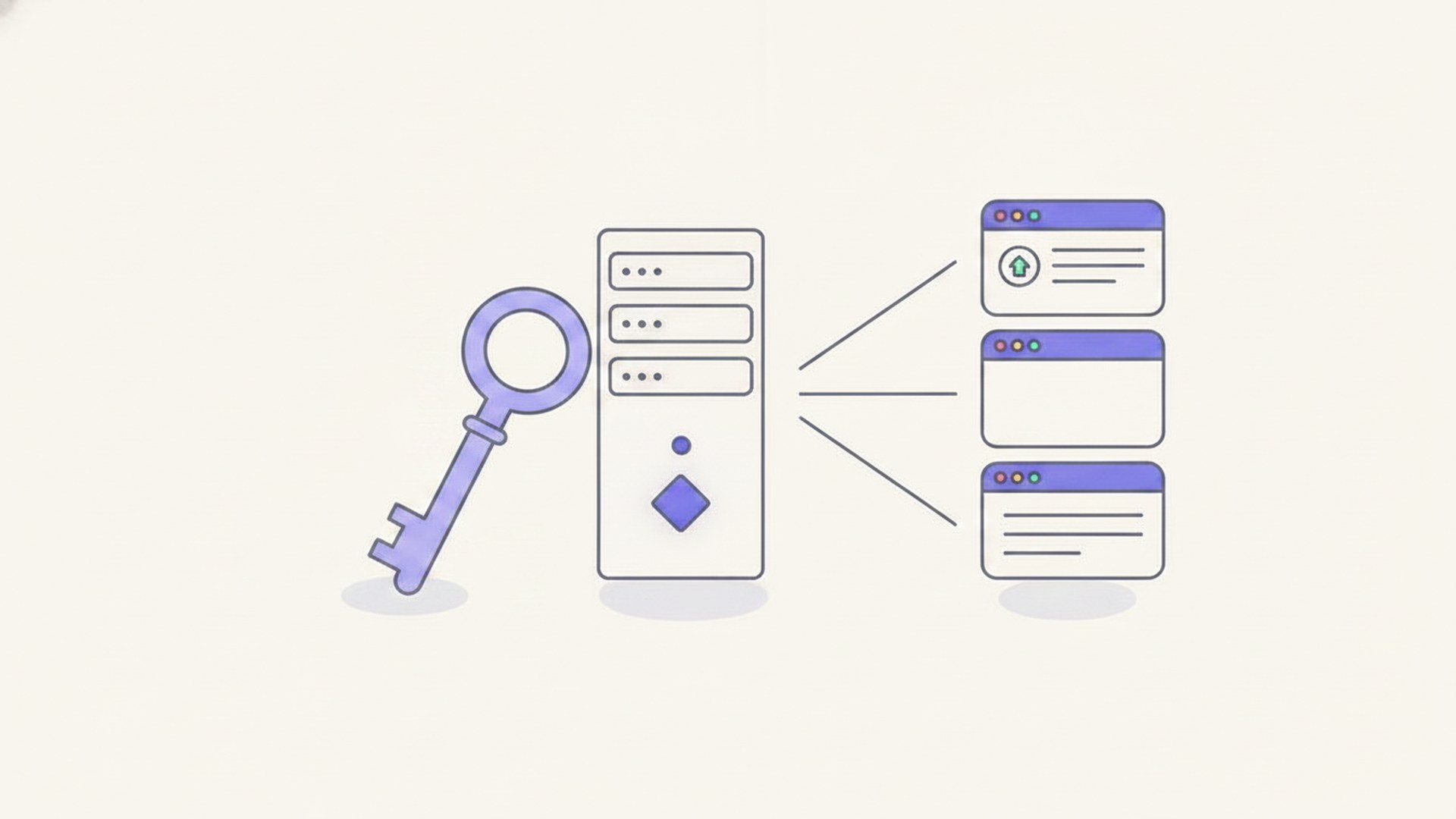
Self-hosting means running the software you rely on, on a server you control, instead of paying a company to run it for you. That is the whole definition. The interesting part is what it buys you, what it honestly costs, and how small the first step actually is. To show that last part, I took a fresh $4/mo server from empty to two live services in under 15 minutes of work, and every number and screenshot on this page came from that run.
Self-hosting is not a rack of servers in a basement. It is usually one small rented VPS, Docker, and open-source apps that replace subscriptions. People do it for three reasons: cost (my own managed-cloud bills added up to ~$8,400/yr before I consolidated), control, and privacy. The honest price is attention, not maintenance: I have measured a real upgrade at 16 seconds of downtime. Below: what the term actually means (it has two meanings, which is why Google's #1 result is a confusion thread), why people do it, what you need, and a real first app going live on a $4/mo box.
I run my business this way. This site, my analytics, my automations, and my email marketing all live on servers I control, and that stack is what my Self Hosting 2.0 course teaches start to finish. This page is the entry point: the concept, then proof.
Self-hosting means running the software you rely on, on a server you control, instead of using a company's hosted service. Analytics without Google Analytics. Automations without Zapier. File sync without Dropbox. The apps are usually open source, the server is usually a small rented VPS, and the total bill is usually a few dollars a month.
Here is the part nobody tells you, and the reason the top Google result for this exact question is a Reddit thread titled "Confused about the definition of self hosting". The term has two common meanings, plus an old third one, and people talk past each other:
The r/selfhosted meaning, and what this page is about. You control the operating system and everything above it: the apps, the data, the updates.
The blogging meaning: WordPress.org software on rented shared hosting, as opposed to WordPress.com. You control the site, the host controls the server. Real, but a much smaller claim.
Old computer science term: a compiler that can compile itself. If you landed here for that one, this is not your page.
The follow-up argument is always "does a rented VPS even count, if you do not own the metal?" I think that argument misses the point. Control over the physical machine is not the lever. Control over the stack is: the operating system, the apps, the data, and the ability to pack it all up and move it anywhere. Rent the metal, own the stack. Every practical benefit on this page comes from that, and by that standard a $4/mo VPS counts completely.
Every "what is self-hosting" page lists cost, control, and privacy. What they never show is a number. So here are mine.
Managed cloud services look cheap one at a time. A database here, a hosting plan there, an analytics tool, an email tool. I paid those bills for years without adding them up. When I finally did, they came to about $8,400 a year , roughly $700 a month, for things one dedicated server could run. I consolidated all of it onto a single VPS running Coolify and wrote the whole story in my Coolify starter guide . The savings were not the surprise. The surprise was that no single bill ever looked worth questioning.
The second reason is quieter and, in my experience, the one that keeps you self-hosting after the novelty fades. A subscription tool does what its vendor decided it does, at the plan tier you pay for, with the limits they chose. Your own server does whatever you can describe. I replaced roughly $200/mo of subscription tools , brand tracking, keyword rank tracking, and YouTube comment management, with scheduled Python scripts on PyRunner , running on a ~$5/mo VPS. No plan limits, no per-seat pricing, no feature voting. That system is not better because it is cheaper. It is better because nobody sells it.
The third reason needs the least explanation. A self-hosted app's data sits in a folder on your server. Nobody mines it, nobody trains on it, nobody sunsets the product under you. For some apps this barely matters. For your photos, your notes, your email list, your business analytics, it starts to matter a lot. I will not preach it. If this reason speaks to you, you already know.
Now the other column, because a page like this that only sells the upside is an ad, not an answer.
Maintenance is measured in seconds, not weekends. The standard argument against self-hosting is that you become the person doing the upgrades. So I timed one, on a self-hosted analytics stack: pulling the new version and restarting took 16 seconds of downtime , migrations ran themselves, and the app ships about two releases a year. That is roughly half a minute of downtime annually. The full measurement is in the Plausible guide .
Security is real, but it is a checklist, not a talent. Any public server gets scanned constantly. In an earlier experiment I left a brand-new server watching its own logs: the first uninvited SSH login attempt arrived 2 minutes 35 seconds after boot , and 1,820 attempts followed in 16 hours. None succeeded, because the basics were in place: key-only SSH and a firewall. The attacks are background radiation. A locked box shrugs them off, and you will watch this page's demo server get locked in one step below.
The real currency is attention. When your self-hosted app breaks, you are the support team. In practice that means: run boring, popular apps; keep backups; do not self-host the thing your business dies without until you know what you are doing. That is the honest trade. You are swapping money for attention, at a rate that gets better as you learn.
The mental image that stops most people is a rack of humming hardware and a networking degree. Here is the actual shopping list for a first real setup:
What about hosting at home, on an old PC or a Raspberry Pi? It counts, it works, and it is cheaper per month. It also brings your home internet connection, your router settings, and your electricity bill into the project, and puts your experiments on the same network as your family's devices. In my experience the rented VPS is the better first move: a public IP address that just works, and if you break the box beyond repair, you delete it and boot a new one in a minute. Learn there, bring it home later if you want.
Concept pages love to stay conceptual. Instead, here is the smallest real version of everything above, timed and screenshotted as I did it. The goal: a fresh server, locked down, running Uptime Kuma , an open-source app that watches your websites and tells you when they go down. It is the classic first self-hosted app: genuinely useful, one command to run, and it gives you a dashboard worth looking at.
I created the cheapest droplet DigitalOcean sells: 1 virtual CPU, 512MB of RAM, 10GB of disk, $4.00/mo ($0.00595 per hour), with my SSH key added during creation. From clicking create to a working SSH login took 54 seconds . That is the entire "buy a server" step: less time than finding your wallet.
The 512MB of RAM is a deliberate choice, not a compromise. Part of the point of this example is finding out whether the smallest box on the menu can hold a real app. Watch the memory numbers as we go.
Remember the 2-minutes-35-seconds number from above: scanners find every new public server in minutes. So security comes first, and at this stage it is two facts and one command. The two facts: because I gave the provider an SSH key, password login over SSH is already off (I verified: sshd -T reports passwordauthentication no ), so the 1,820-attempts crowd is locked out before it arrives. The one command: turn on the firewall, allowing only SSH, the web port, and the app's port.
That is a beginner-grade lockdown, and for a demo box running one app it is honestly most of what matters. The full checklist, with each step measured against a live attack log, is in the VPS hardening guide .
Docker is the one real prerequisite, and its official install script does everything:
On my box this took 61 seconds and the Docker daemon settled at about 45MB of RAM. One honest gotcha I hit so you do not have to: on a brand-new Ubuntu server, wait two minutes before running this. Ubuntu runs its own package updates on first boot, and my first attempt died with Could not get lock /var/lib/apt/lists/lock because the system's own updater still held the package manager. Two minutes later the same command ran clean.
This is the moment the whole page has been building to, and it is one line:
Docker downloads the app and starts it. On my box the download took 22 seconds and the app was answering in the browser 8 seconds after the container started . Here is the server's view, real output:
The whole install, as the server saw it
Real output from the demo droplet, 11 August 2026.
Open http://your-server-ip:3001 in a normal browser and the app is simply there, asking you to create your admin account:
I created the account, added one monitor watching this very website, and two minutes later the dashboard was doing its job:
Since "how do I host my own website" is half the reason people search this topic: the same server, with one more command, is also a web server. I dropped an HTML file into a folder and started nginx (a web server) in a second container:
Seven seconds later, port 80 was serving my page to the world:
Two services are now running: a monitoring app checking a live website every minute, and a web server. Here is the memory story on the 512MB box, measured at each step:
Everything fits on the $4/mo server
RAM in use on the 512MB droplet (458MB usable), from free -m at each step, measured after the first-boot system updates settled.
Uptime Kuma itself uses 88MB, nginx uses 3MB, and the whole stack sits at 318MB with 140MB to spare . Disk: 3.2GB of 10GB used. The smallest droplet on the menu holds a real app and a website with room left over. Heavier apps need more (the apps board lists per-app requirements), but the entry ticket really is $4.
The demo server was destroyed after this run. One honest footnote before it went: I checked its SSH log expecting the usual bot traffic, and in this box's 63 minutes alive, zero uninvited login attempts arrived. The earlier server got its first in 2 minutes 35 seconds and 1,820 over 16 hours. Same provider, same region, different hour. The background radiation is real, but it comes in bursts, and you do not get to choose which kind of hour you boot into. Lock the door anyway.
Everything above is the entry point. The path deeper, in the order I would actually walk it:
Running the software you rely on, on a server you control, instead of paying a company to run it for you. Rent a small server, install open-source apps, own your data and your bill. The difference between renting each tool and owning the workshop.
Yes, and it is one of the easiest starts. In the worked example above, a $4/mo server served a live web page after one Docker command and about 10 minutes of total work. Add a domain and HTTPS with a reverse proxy and it is a real website.
Often, but not automatically. One $4–6/mo server can replace several subscriptions, and the savings grow as you add apps to the same box. My own managed-cloud bills totaled about $8,400/yr before I consolidated them onto one server. But if you only need one cheap tool, the subscription may honestly be simpler. Self-hosting pays you back in proportion to how much you use it.
Less than the horror stories say. A real upgrade I timed took 16 seconds of downtime, twice a year. The honest ongoing cost is attention: you are the one who notices when something breaks, and backups are your job.
With the basics done, yes. Public servers get scanned constantly (1,820 attempts in 16 hours on a server I measured), though it comes in bursts: the demo box above happened to draw zero in its hour alive. Key-only SSH, a firewall, and no unnecessary exposed services is the whole beginner checklist, and the demo box had all of it before its second minute.
No. Renting a $4–6/mo VPS while owning everything from the OS up is the practical middle, and where I would start. Home hardware also counts and costs less monthly, but adds your ISP, router, and electricity to the project.
Something small, visual, and harmless if it breaks: Uptime Kuma or a static website, exactly as in the example above. Save email servers and anything holding irreplaceable data for after you have backups and some scar tissue.
This page is the first step of it. In Self Hosting 2.0 I take an empty VPS to a full stack you own: Coolify, real apps, backups, email, and security, in the order it should actually happen. 34 lessons, nothing skipped.
Rent the metal. Own the stack.
Hasan Aboul Hasan builds open-source tools and teaches solo developers how to build, host, and sell AI-powered products. Founder of LearnWithHasan.com , creator of SimplerLLM and PyRunner .
The exact building blocks I use to ship real products with AI — yours as a free PDF.
Have a question? Ask it in the community — it's tagged #guide and linked back here. Reading is open to everyone; posting needs a free account.