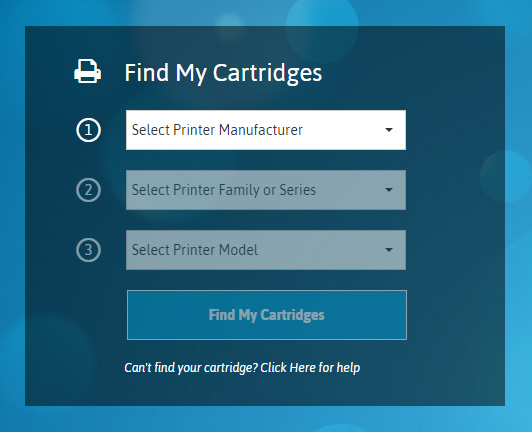
Ordering at TonerGiant.co.uk couldn’t be easier. We’ve spent many years improving our websites based on customer feedback and interaction to make it easier than ever for you to order the cartridges you need.
Click the sections below for instructions on how to order with us:
After your card details have been entered or alternative payment method processed, your order will be complete and dispatched the same day if paid for before 5:30pm Monday-Friday.
After you have placed your first order at TonerGiant.co.uk we’ll save a list of the things you ordered so you can order them again the next time you visit, without having to search.
3. The quick re-order menu will open from the right-hand side of the page.
4. Add the items you wish to purchase again to your basket.
5. You can also quick re-order from the my account page:
We have added the option to save your printer model to your account so cartridges that work in your printer can be ordered again quickly. Here’s how:
5. Give your printer a nick-name.
6. Use the quick menu on the right of the screen to view your saved printers and click to view their cartridges.
7. You can also view your saved printers on the ‘my account’ page.
In the ‘My Account’ section you can view your order history where you can re-order and download copies of PDF invoices. Here’s how:
5. Open the order you wish to view.
6. Click ‘Download invoice’ to get a PDF invoice copy.
7. Click ‘Re-order’ to order products from the order again.