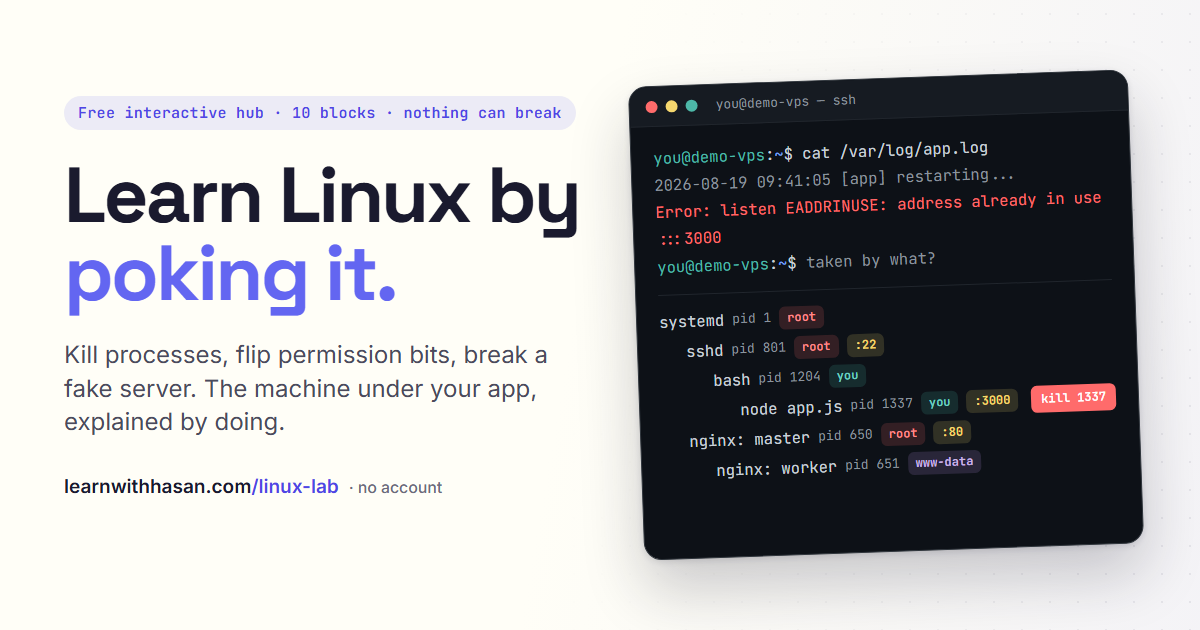
A process is a program that is running. Each has a PID and a parent; kill the parent and its children go too, unless a supervisor restarts them.
A process is a program that woke up. Each one has an ID number, its PID , and a parent, so together they form a family tree from PID 1 down to your app. Click any process to inspect it, then start killing things and watch who dies with whom, and who comes back.
Kill the parent and the children go with it. That is why your app dies when you close the window you started it in: your SSH session (the connection from your laptop to the server) owns the shell, the shell owns your app, and closing the window takes the whole branch with it.
Some parents resurrect their children. You killed an nginx worker and the master replaced it in a second. When "it keeps coming back," a supervisor is doing its job. But when you killed the master itself, nothing brought it back, and your hand-started app stays dead too. Coming back after a crash is a setting you turn on, one restart rule in a service manager. That is block 08.