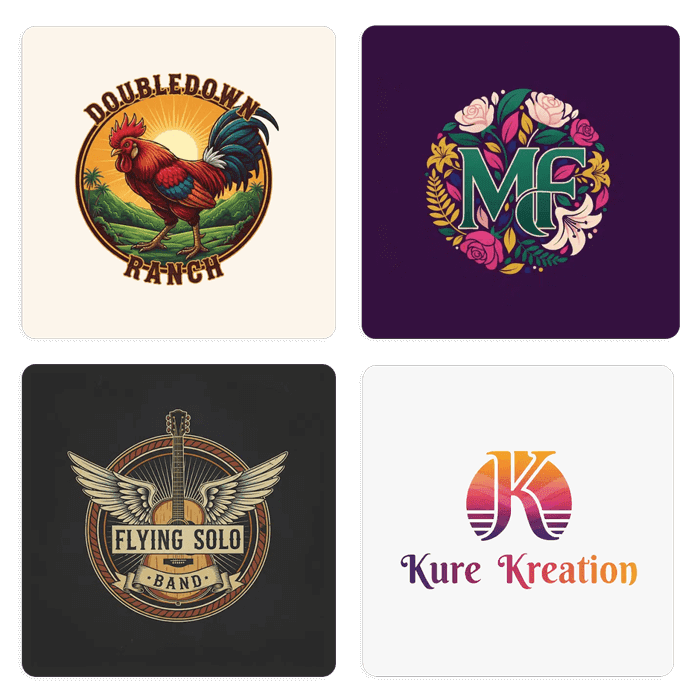
One toolkit for every logo, image, and AI-generated format. Eleven focused converters, one shared design canvas, no watermark on the free download.
The one page that handles it all. Drop any PNG, JPG, or WebP — even the WebP exports Adobe rejects — and get a clean, editable multi-layer SVG in about 10 seconds. Every color on its own path, background removed automatically, no watermark.
Same underlying engine, different focus. Pick the page that matches your source file or workflow — you get the same output SVG either way, but the guidance and FAQs are tailored to your use case.
Universal converters
Any input format (PNG, JPG, WebP) → editable multi-layer SVG. The flagship — start here if you're not sure.
Same universal input, framed around SVG-specific output. Best when your endpoint is Illustrator, Figma, or Inkscape.
The generic "raster to vector" workflow — full explainer on what a vector is and why it matters for print.
The classic. Transparent PNG in, layered SVG out — ready for Cricut, screen printing, embroidery.
Cleans up JPG compression blur while tracing. Perfect for old scanned logos or phone photos.
Adobe rejects WebP; we don't. Drop the WebP straight in — no re-export to PNG needed first.
Same PNG conversion, angled at users who want to export to AI, EPS, or PDF from any vector editor.
The agency + print-shop workflow. Notes on client deliverables, trademark filing, and prepress handoff.
The fast DIY angle. Drop, wait 10 seconds, download. First conversion free.
By source (AI tools)
For ChatGPT and DALL-E logos. Covers the WebP export issue and the "blurry at large size" problem.
For Midjourney PNGs. Addresses the raster-only limitation, commercial-rights notes, and upscaling myths.
All 11 output the same clean multi-layer SVG. The difference is the guidance you'll see on each page.
Open Image to Vector . It accepts every format we support and it's what most first-time users land on.
Pick the format-specific page — PNG , JPG , or WebP . Each has FAQs tailored to that format's quirks.
Logo to Vector covers the agency workflow — prepress handoff, trademark filing, delivering to print shops.
Go to ChatGPT Logo to Vector or Midjourney to SVG . Both cover the format quirks (WebP, raster-only PNG) and commercial-rights questions.
Same engine under the hood. Different context above it.
Start with the flagship — Image to Vector accepts every format the other tools do. Or pick the page that matches your source file for tailored guidance.