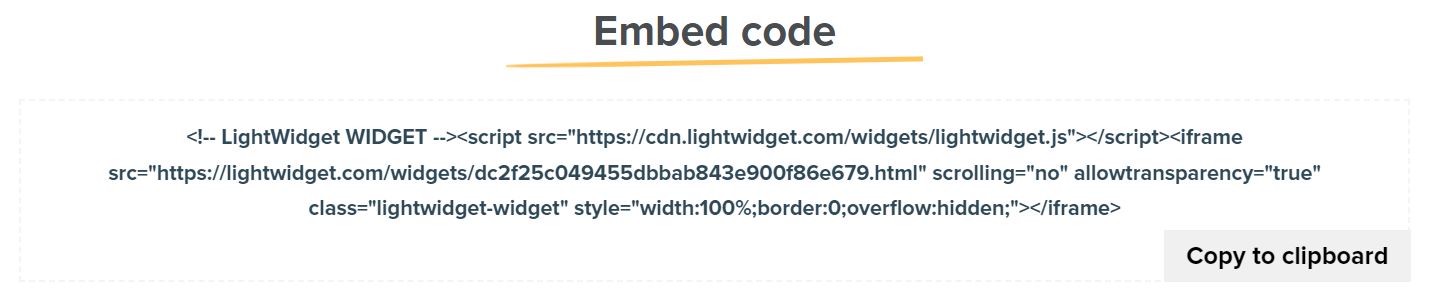
You can find your widget embed code on the Widget info page for your widget. Here is the step-by-step guide on how to find the embed code for your Instagram widget.
You must be logged in to your user account first. From the user menu, please click the Widgets link. You should see the list of all your widgets.
To access the embed code snippet for the Instagram widget you are interested in, click the Show more button next to it. You should see the page with the details about the selected feed.
Scroll to the Embed code section. It contains your widget embed code. Click the Copy to clipboard button or select the code and click Cmd/Ctrl + C on your keyboard to copy the embed code to the clipboard.