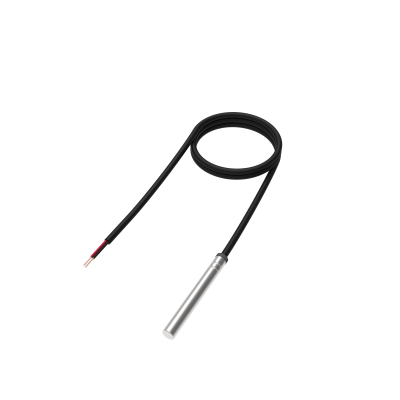
One of the implemented features for fleet management devices is a 1-Wire data protocol, which enables the connection of temperature sensors. It is a perfect accessory for temperature monitoring.
1-Wire temperature sensors is a great addition for your fleet management trackers in the following use cases:
FMB110 , FMB120 , FMB122 , FMB125 , FMU125 , FMM125 , FMC125 , FMB130 , FMU130 , FMC130 , FMM130 , FMB140 , FMB202 , FMB204 , FMB640 , FMC640 , FMM640 , FMB150 , FMB206 , FMB225 , FMB230 , FMB240 , FMB250 , FMC13A , FMC150 , FMC225 , FMC230 , FMC234 , FMC250 , FMC650 , FMM13A , FMM150 , FMM230 , FMM250 , FMM650
To connect the 1-wire temperature sensor you have to make sure to connect 3 PINs of the sensor to the PINs of your device correctly.
Up to 4 sensors can be connected to our devices simultaneously.
The device reads the sensor data automatically after the sensors are connected, however, the I/O elements are disabled by default to save data. To receive data to the server, make sure that the appropriate I/O elements(Dallas Temperature # / Dallas Temperature ID #) are enabled.
The first ID is the sensor that is connected first, which can be changed from the software side without disconnecting the sensors. It can be done by navigating to the 1-Wire section and assigning the IDs of the sensors in your desired order.