AI has radically expanded what designers can make — but used carelessly only helps produce average work, faster. At Help Scout and through my advisory work, I’ve been building the principles, design system and tools that help designers move from ideas to production with greater speed, confidence and creative ambition — without lowering the quality bar.
In early-2026, AI entered the chat. Almost overnight, designers across the industry were expected to move radically faster without allowing speed to erode quality. We went from asking AI to write our emails to handing entire stages of the design process over to the robots. The results were fast, but they were also disappointingly low quality.
I’ve spent the better part of 20 years building creative teams and protecting quality at the centre of their work — and I was damned if I was going to let AI crush creativity! But resisting it outright would have ignored another constant in my career… despite the pain, new technology has always expanded what I can make. I learned to code, embraced Design Ops… there must be a balance to be struck with AI.
As Principal Designer at Help Scout, I knew we had to adapt. After the mandatory panic attacks and a few intense moments, I arrived at a simple conclusion: designers could no longer use “craft” or “taste” to defend slowness. We had to move faster… but not where that would lower standards. So I rebuilt our process around moving fastest where decisions were cheap to reverse, then reinvesting those gains in the moments where discovery and judgement still needed time.
Here are some of the practical ways I helped the team increase speed without compromising quality:
As boring as it sounds, great AI-assisted design begins with documentation. If you want AI to move quickly without inventing its own visual language, articulating how you design is every bit as important as documenting what you design.
With this in mind, and over endless coffees, I manually wrote Help Scout’s AI operating principles and design principles, then distilled them into a design.md file — making the largely unspoken parts of our 15-year-old product philosophy and visual language explicit enough to guide both people and machines.
I developed this documentation through a repeatable series of evals. I began with no context and asked Claude Design to produce a simple screen. Predictably, it was terrible (by our standards). I then added guidance incrementally — explaining why particular decisions were wrong, how we use colour and when one component should be chosen over another — before running the same task again. Each pass exposed another piece of judgement the system needed.
This process made me appreciate both the importance of articulated judgement and just how bespoke, accumulated and difficult to explain good design really is. It turns out even our robot overlords couldn’t infer 15 years of taste, context and intent. With documentation alone, however, AI could eventually produce work that was at least recognisably Help Scout.
A good start — but still a long way from production.
We already had a mature design system in Figma. The aptly-named Help Scout Design System (HSDS) was established in 2018 and had been extremely well used and maintained ever since. We also had corresponding components in React. Yet whenever an LLM was asked to use the system, it failed. Hard.
Using the same eval approach as before, I asked AI to produce a simple screen using components I knew existed. The results were spectacularly bad: tags for buttons, entirely invented components and alarming custom-coded replacements for things already in the system. The conclusion was that our Figma and React libraries had (obviously) been organised for human discovery… not machine comprehension.
So, against my better judgement I set aside two long weeks and rebuilt the entire design system to make it legible to LLMs — restructuring more than 200 primitives and compositions, standardising hundreds of tokens and variables and writing the accompanying documentation layer.
Machine legibility also required complete parity between Figma and React. Without it, AI was still confidently producing interfaces that appeared correct but were built from invented components — essentially defeating the point of the system. I audited the React library, connected components through Code Connect and created or deprecated anything that no longer matched, running evals throughout.
Eventually, it started to work.
The final proof came when I used the rebuilt system and AI coding tools to identify the remaining gaps between Figma and React — then built the missing React components myself, clearing work that had remained in the backlog for years. I can code, but I can’t code React… this was new!
One less glamorous side effect of all this LLM-ification was that Figma now required far more structure, discipline and documentation than my team or I could realistically maintain by hand. So I created reusable AI skills (above) that enabled Claude to create and update Figma–React documentation to the same standard — turning work that previously consumed significant designer time into part of the system itself.
The system could finally produce credible Help Scout interfaces. But capability alone wasn’t enough — using it still required local setup, unfamiliar tools and a stack of new skills that designers had neither the time nor confidence to figure out alone.
Alongside arranging hands-on training with people like Jess Eddy and Jagged Peaks , I built tools that designers could immediately slot into their existing workflows.
One of those was Scenario Pal , a research partner built as a custom GPT and grounded in our company strategy, customer personas and product analytics. Designers could use it to explore how concepts might perform across realistic customer scenarios and industries, or critique screens and workflows against our brand principles, accessibility standards and design.md guidance.
But the biggest unlock came from skipping Figma entirely…
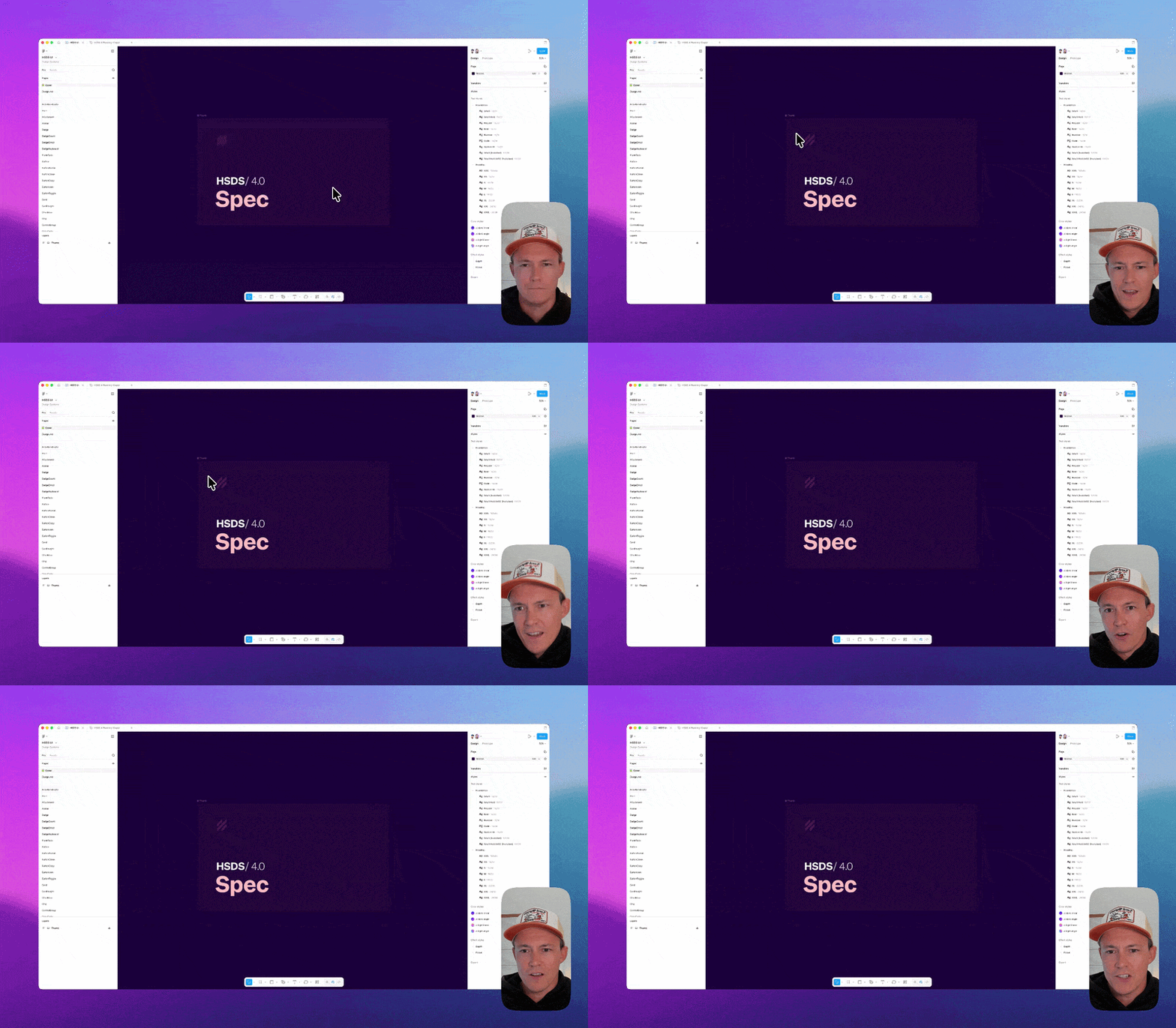
The work I had done to make our design systems legible to LLMs also laid the foundations for HSDS Studio , an internal AI prototyping environment built by our Staff Engineer, Rikki . He turned those foundations into a truly magical design-to-code environment while I tested early versions, used it to build components and helped shape the product around how our design team explores and develops ideas.
Similar to Claude Design, HSDS Studio can generate complete Help Scout experiences from a prompt, or use a Figma file when one already exists. Because it has access to our full React system, it can assemble experiences from verified, production-ready HSDS components instead of approximating our interface or inventing new ones. Finally, those long weeks writing design documentation paid off!
The value is that designers can explore ideas at speed, then graduate the resulting code towards production instead of throwing it away and rebuilding everything from scratch. We can move from “what if?” to “try this!” in 30 seconds instead of days.
Prompt-to-code interfaces don’t create better ideas by themselves. But what they do is reduce the cost of execution to almost nothing — giving us more time to remain in the unknown, play with the problem and discover which ideas are actually worth pursuing.
With the systems and tools was in place, I challenged every designer to ship one change directly to production — and went first. The team followed, with each contribution gradually increasing in complexity and ambition.
Within the first three months of introducing this tooling, I personally shipped more production code than I had in the previous decade. I cleared longstanding backlog items, added details that had repeatedly lost out to larger priorities and partnered directly with engineers to accelerate more substantial features.
Above I was able to take a fun and frequently requested little resize feature to the product in under an hour. Below Taking a fully functional table re-design from imagination to reality using all existing components.
The results: Designers are now coding components, stress-testing ideas through functional prototypes and shipping selected improvements themselves. They can run local environments, take greater ownership of QA and pair directly with engineers on work in progress.
The outcome isn’t simply more output. The distance between designing and building has narrowed, long-neglected details are reaching customers faster and the team has greater capacity to pursue ambitious ideas that would previously have been cut during scoping. We’re shipping more than ever, with greater confidence and excitement, while protecting time for the bigger problems — the ones where quality depends on dwelling in uncertainty.
Still designing in the unknown, still refusing to lower the quality bar — just bringing AI along for the ride. 🤖✌️
Next project Help Scout Inbox