This tutorial shows how to remove/disconnect an Instagram account from your user account on LightWidget.
First, you need to log in to your user account. Use your email and password to access your user account.
From the menu in your dashboard, click on the Accounts link. It will take you to the list of all connected Instagram accounts.
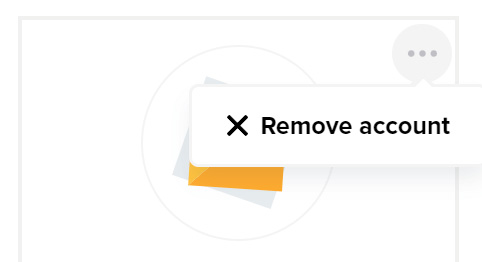
Click the three dots button in the top right corner of the account you want to remove. It will open the menu with the options for a given Instagram account. Click on the Remove account button.
The modal with confirmation will pop up. Click the Delete button in the modal to confirm the removal.