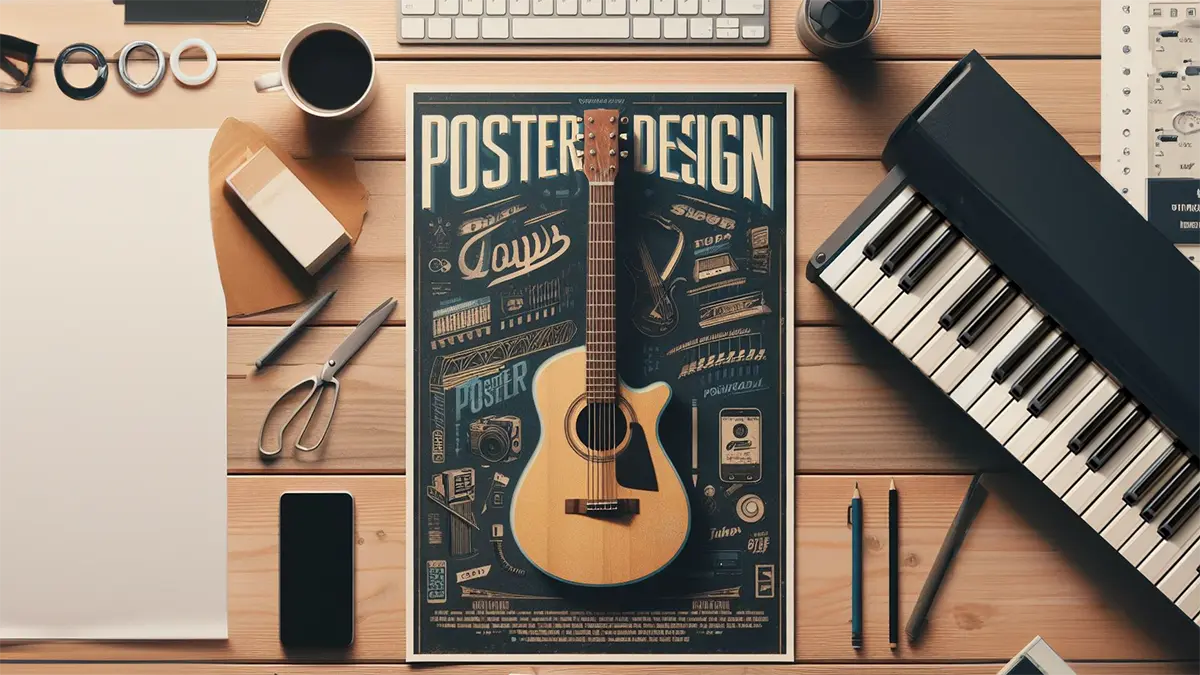
Designing an event poster might seem tricky, but it's not! This simple guide will help you make a cool poster, especially if you're new to it. First, think about what your event is about and who you want to tell about it. Then, decide how big your poster should be and which way it should go. Make sure the most important stuff, like the event name and date, stands out with big letters and bright colors. Use good fonts, add nice pictures, and pick colors that fit your event.
Designing a poster for an event can seem overwhelming, especially if you're doing it for the first time. However, with the right guidance and tools, anyone can design a captivating and effective event poster. This guide will explore practical tips and tricks for designing the perfect event poster, with a special focus on using Photoshop .
So, let’s find out together how to design a poster for an event in an effective way.
Before diving into the design, take a moment to determine the purpose and goals of your event poster.
Large posters are the number one choice when it comes to advertising or promoting events, and they are primarily designed for outdoor settings.
To start designing your event poster, visit site and browse through the templates to get a good idea of the visual hierarchy of an effective poster. Visual hierarchy is the arrangement and presentation of design elements in order of their importance. It ensures the most critical information is seen first and helps guide the viewer’s eye through the poster.
Use larger fonts, bold styles, and contrasting colors for key details like the event name, date, and time. Here’s how to establish a clear visual hierarchy:
Select legible and visually appealing event poster fonts. The choice of fonts can make or break your poster. Learn how to combine letters and different font types from this article. Here are some tips for creating poster typography:
Incorporate images or graphics that represent your event. High-quality visuals can be eye-catching and help convey the event's theme.
The poster color scheme depends on various factors, including your event or message, target audience, and your brand's colors if applicable. Here are some tips to choose the color palette for a poster:
Plan the layout of your poster. Ensure a balanced composition, leaving enough white space for readability and visual appeal. Place important information in prominent positions. Knowing the design principles basics will help you create the best designs. A well-organized layout ensures that all elements are harmoniously placed:
Don’t forget the basics. Add all the essential event details in a clear and concise manner. Ensure that the text is easy to read and not cluttered. Collect all the essential information about the event, such as the event name, date, time, location, ticket information, a brief description, and contact details. Include only the important information into your event poster.
You can also add a QR code to your poster so people can quickly open the full event article on their phone. It’s a simple way to share more details like the schedule, location, or updates without crowding the design. Anyone interested can just scan it and get all the information in one place.
On PSDDude we have a random QR code generator that you can use to create empty blank QR codes. If you want something truly unique, create custom shape QR codes and add them on your poster for better engagement.
Call to action (CTA) is a marketing term for any design to prompt an immediate response or encourage an immediate sale.
Before finalizing your design, gather feedback:
Use the feedback to make revisions. Sometimes, multiple iterations can lead to a refined, polished final product.
Before sending your poster off for printing or sharing digitally:
In today's digital age, your poster might be shared on social media or viewed on a website:
Adobe Photoshop is a powerful tool for designing event posters. Here are some practical tips for beginners on how to make an event poster in Photoshop .
Open Adobe Photoshop. There are lots of Photoshop versions to choose from, including some free alternatives. If you don't know a thing about this tool, check out my article How Long Does It Take To Learn Photoshop .
Go to File > New to create a new document. Set the dimensions to match your desired poster size. A4 or US Paper are good choices for an event poster size.
The most common standard poster sizes are 8.3 x 11.7 (A4 size), 18x24, 24x36, and 27x40 inches, but you can choose different sizes based on your needs. Choose a resolution of 300 dpi (dots per inch) to ensure high-quality printing.
Maintain a consistent color scheme and visual theme that aligns with the event's purpose.Adjust the overall color tone using adjustment layers if needed.
Create a background for your poster. You can use a solid color, a gradient, or an image related to your event.
Add the event's title at the top or in the middle. Choose a font that fits the theme of your event.
Include the date, time, location , and any other important information. Make sure the text is clear and legible.
Use text layers and layer styles to add effects like drop shadows, bevels, or gradients to make the text stand out.
Creative typography like curved text might come in handy for creating event posters, so check out how to curve text in Google Slides if you want to transform this project into a broader design project that also includes a presentation for the event.
Add relevant images, illustrations, or graphics to your poster. These should complement the event's theme and add visual appeal. Use layer masks to blend images seamlessly with the background.
If you plan to print the poster, make sure to set up the document in CMYK color mode , as this is suitable for printing. You can change this in Image > Mode > CMYK Color .
Set up your document with proper bleed and margins if you're having it professionally printed. Bleed ensures that your design extends slightly beyond the trim edge to avoid white borders when it's cut.
Once you're satisfied with your poster design, go to File > Save As to save the file. First, save it as a PSD editable file . Then, save it in a print-ready format, such as TIFF or PDF .
The future belongs to AI. So, graphic design tools like Photoshop, Canva, MockoFun or Fotor , are rapidly including AI image generator technology inside their software.
In the near future we will only have to describe what event poster we need and the AI will do all the hard work for us. But, until then it is better to know how to create one from scratch.
With a clear roadmap, the right tools, and attention to detail, you can create an event poster that captures attention and conveys your message effectively. Photoshop, with its versatile toolkit, can be a game-changer for those looking to take their design to the next level.
Create a Pencil Photo Sketch in Photoshop
Photoshop Gold Style Shiny Text Tutorial